15
Playing specific tracks only
You can select:
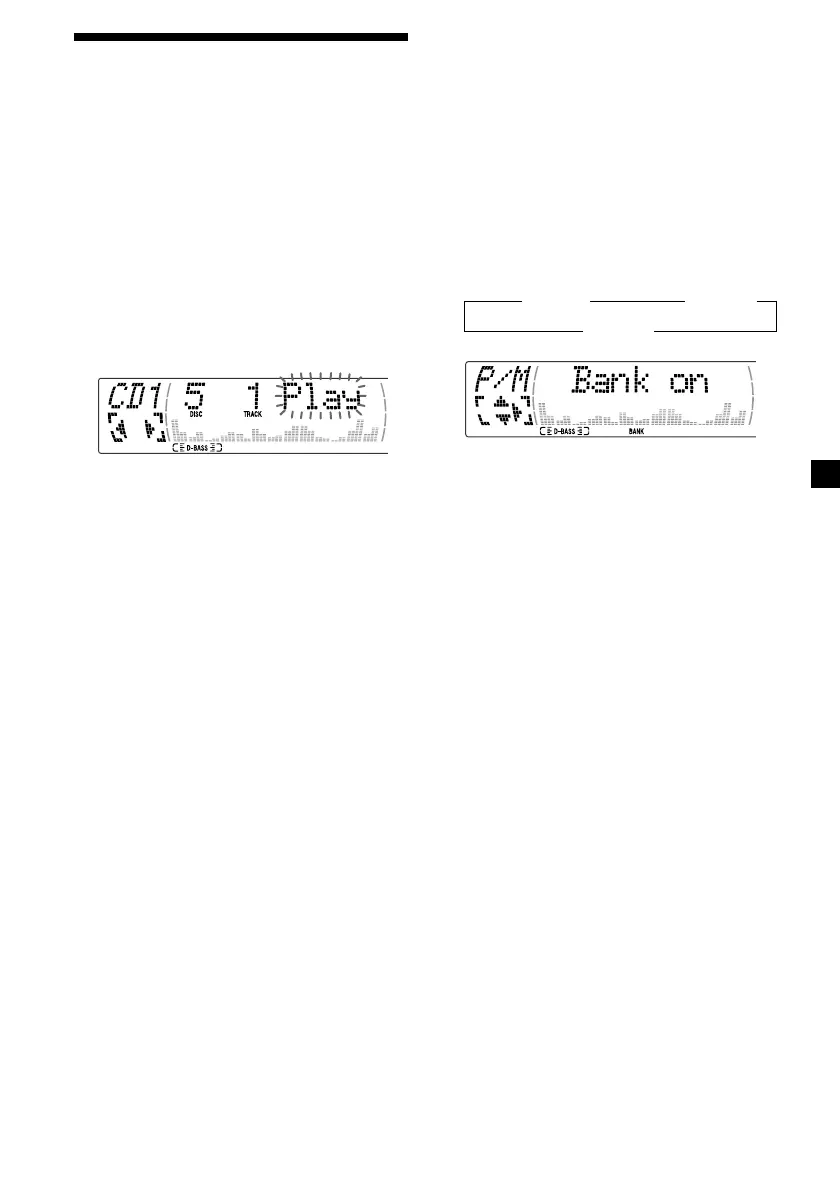
•“Bank on” — to play the tracks with the
“Play” setting.
•“Bank inv” (Inverse) — to play the tracks
with the “Skip” setting.
1 During playback, press (MENU), then
press M or m repeatedly until “Bank”
appears.
2 Press , repeatedly until the desired
setting appears.
B Bank on B Bank inv
Bank off b
3 Press (ENTER).
Playback starts from the track following the
current one.
To return to normal play mode, select
“Bank off” in step 2.
Selecting specific tracks
for playback
— Bank
(For a CD unit with the custom file function)
If you label the disc, you can set the unit to
skip or play the tracks of your choice.
1 Start playing the disc you want to label.
2 Press (MENU), then press M or m
repeatedly until “Bank Sel” appears.
3 Press (ENTER).
Bank edit mode
4 Label the tracks.
1 Press < or , repeatedly to select the
track you want to label.
2 Press (ENTER) repeatedly to select
“Play.”
5 Repeat step 4 to set “Play” or “Skip” for
all the tracks.
6 Press (MENU) twice.
The unit returns to normal CD play mode.
Notes
• You can set “Play” and “Skip” for up to 24
tracks.
• You cannot set “Skip” for all the tracks on a CD.



 To Next Page