29
OFF
Other operations
Tip
If your car has no ACC (accessory) position on the
ignition key switch, be sure to press (OFF) for two
seconds to turn off the clock indication after
turning off the engine.
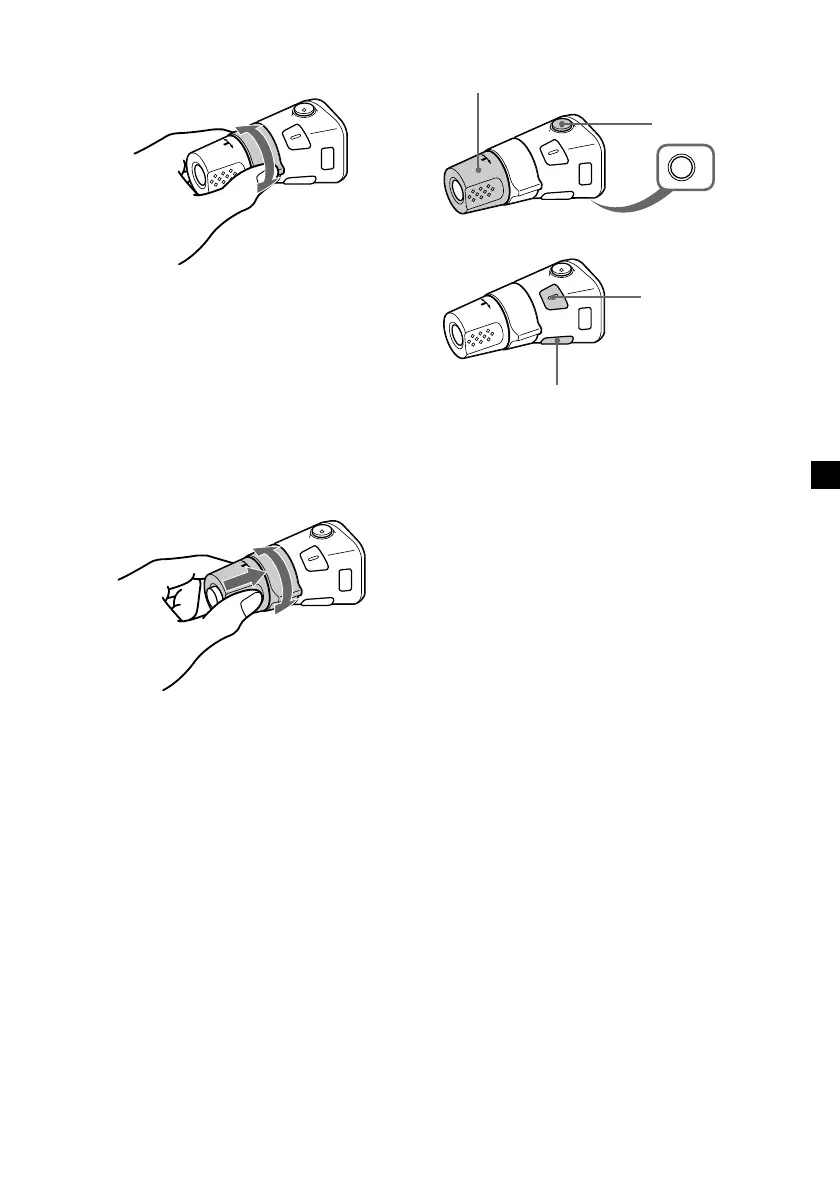
Rotate the VOL control to
adjust the volume.
Press (OFF) to
turn off the unit.
Press (ATT) to
attenuate the
sound.
Press (SOUND) to
adjust sound menu.
Press (DSPL) to display
the memorised names.
By rotating the control
(the SEEK/AMS control)
Rotate the control momentarily and
release it to:
•Locate a specific track on a disc. Rotate
and hold the control until you locate the
specific point in a track, then release it to
start playback.
•Tune in stations automatically. Rotate and
hold the control to find a specific station.
By pushing in and rotating the
control (the PRESET/DISC control)
Push in and rotate the control to:
•Receive the stations memorised on the
number buttons.
•Change the disc.
continue to next page t



 To Next Page