16
Getting started
Video output on the PS3™ system
The PS3™ system can output two types of resolution: HD and SD. Refer to the instruction manual for the TV in use to check which video mode is
supported.
HD
(High Definition)
SD
(Standard Definition)
Video mode *
1
*
2
1080p 1080i 720p
480p
576p
480i *
3
576i *
4
Aspect ratio
16:9 16:9 16:9
16:9
4:3
16:9
4:3
*
1
This number indicates the number of scan lines. Note that "i" stands for "interlace" and "p" stands for "progressive". Using progressive results in high-quality video with
minimal flickering.
*
2
SD resolution varies depending on the model of the PS3™ system in use and the content that is being played.
*
3
The video output setting on the system will display as [Standard (NTSC)].
*
4
The video output setting on the system will display as [Standard (PAL)].
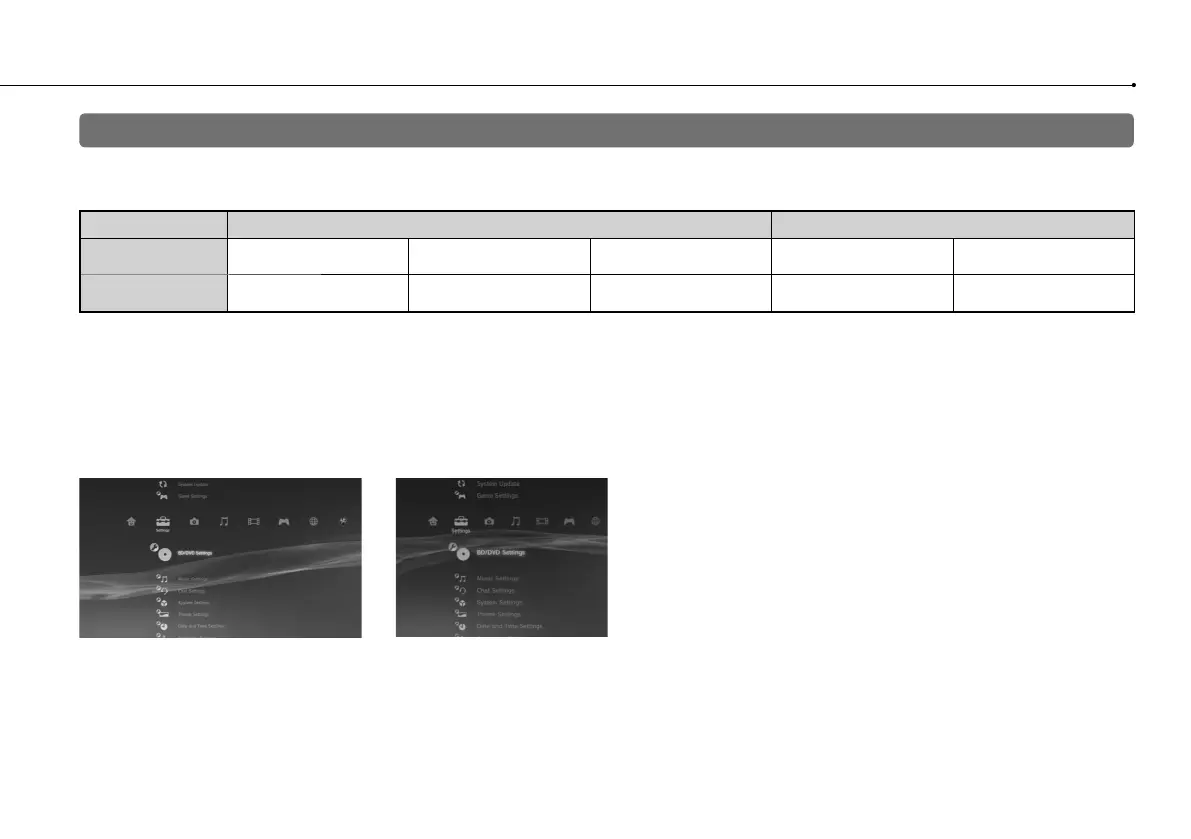
Screens showing the difference in resolution
HD screen SD screen



 To Next Page