23
The Tape Deck
The Tape Deck
Recording to a tape
manually
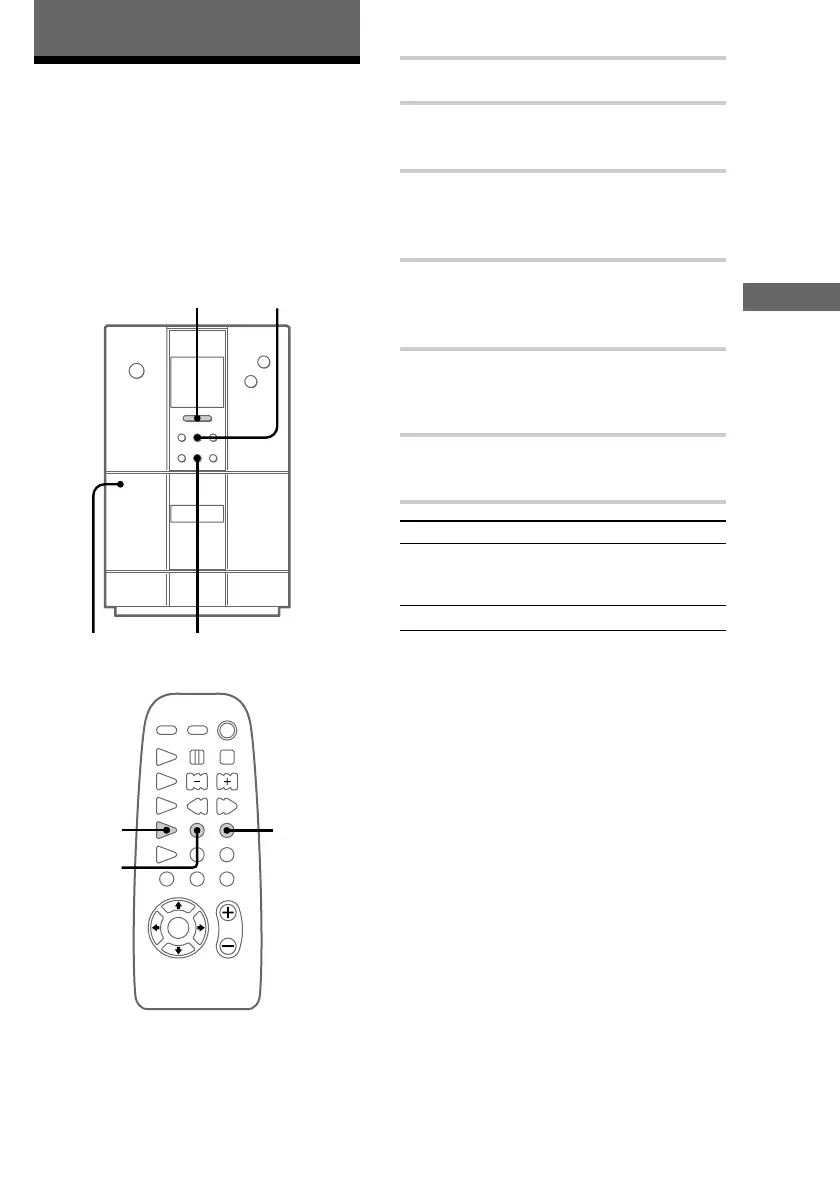
Do the procedure below to manually record from
any source to a tape. For example, tracks from a
CD, the radio, or from any of the connected
components. This lets you record just the songs
that you want from a CD.
nx
?/1
N
.m X M>
Z
+
–
2
51
x
3
4
DOLBY NR
1 Insert a recordable tape.
2 Press FUNCTION repeatedly until the
source you want to record from appears.
3 Press z REC on the remote.
The tape stands by for recording.
“REC” appears.
4
Press DIR MODE on the remote to
select “g” to record on one side of the
tape or “j” to record on both sides.
5
Press X.
Recording starts on the side of the tape
facing towards you.
6 Start playing the source you want to
record from.
To Press
Stop recording x.
Press x again to stop playing
the CD.*
Pause recording X.
* When recording from a CD only
Tips
• To record with the Dolby NR system on, press
DOLBY NR on the remote before step 5. “;”
appears.
• When recording from a CD, CD synchro recording
starts (see “Recording from a CD to a tape” on page
14).
The CD Player/The Tape Deck











 To Next Page