COM-2.US.3-213-855-11(1)
109
109
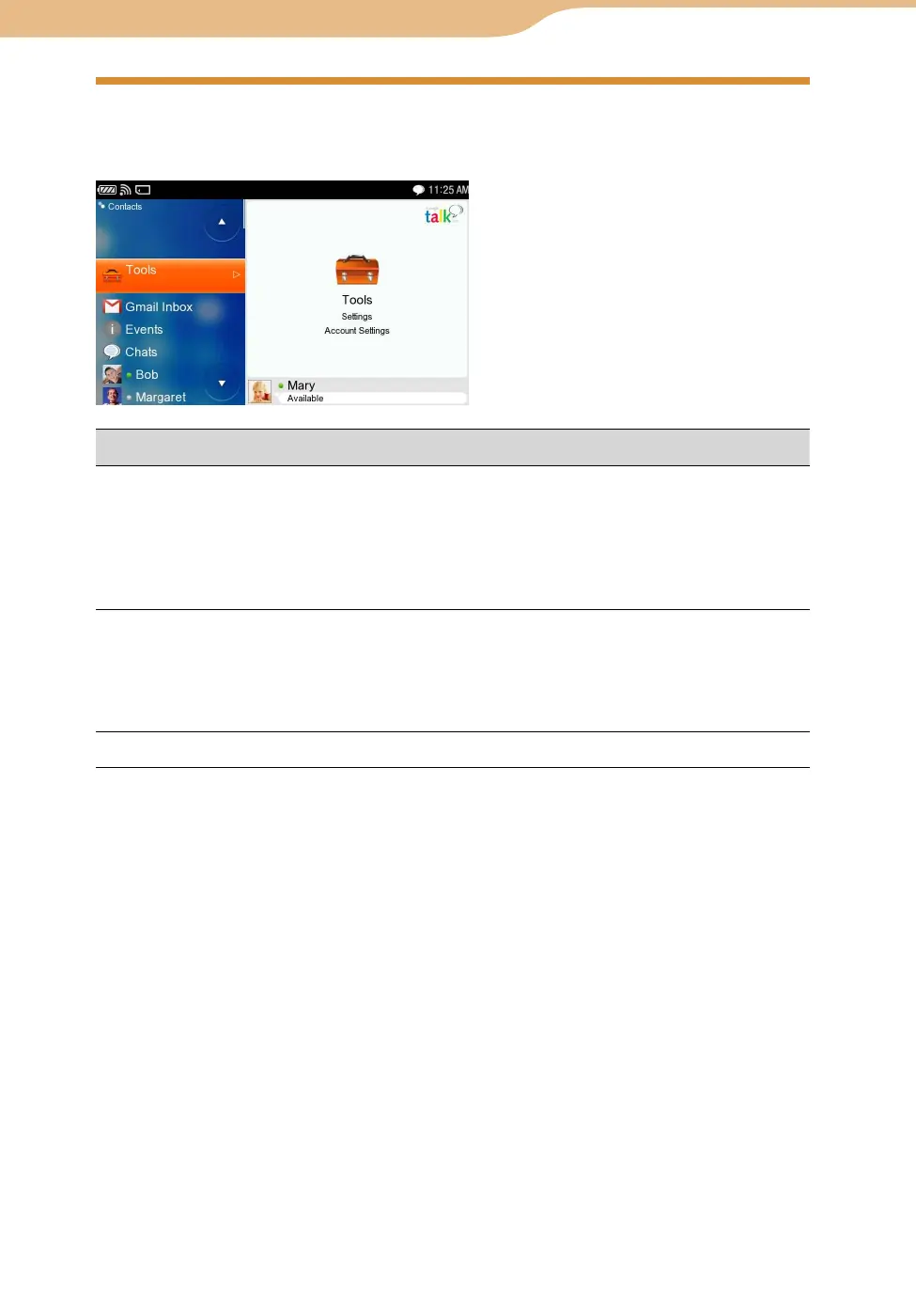
On the Contacts screen, select “Tools,” and then select the desired settings.
Item Setting or operation
Settings-General
Alert Sound : When checked, an alert sounds when a new event
occurs.
Show current music track : When checked, the information of the
track you are listening to is displayed to your Contacts.
Show Timestamp : When checked, a timestamp is attached to each
message entry in Chats.
Settings-
Connection
Edit : Opens a new screen where the following can be entered.
Proxy : Select the proxy settings.
<Auto/Do Not Use/Use Proxy>
Host : Enter the host address.
Port : Sets the port number of the proxy Google Talk uses.
Account Settings Opens the Web browser to display the Account Settings Page.
Google Talk











 To Next Page