COM-2.US.3-213-855-11(1)
95
95
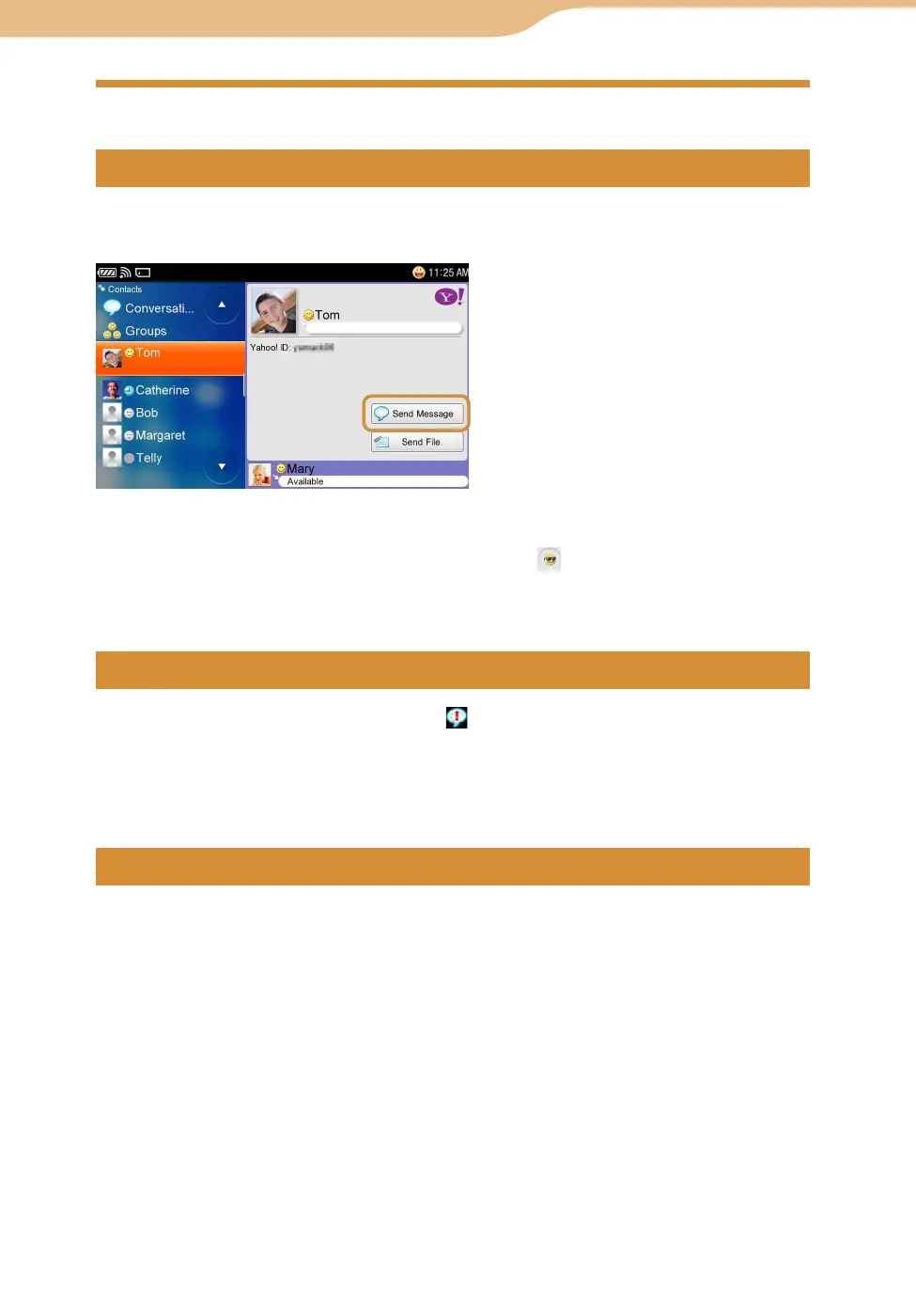
On the Contacts screen, select the Contact you want to have a Conversation
with, and then select “Send Message.”
To insert emoticons into Conversation messages, tap the on the right screen, then select
the emoticon you want to insert from the emoticon dialog.
To insert a line feed, press the “Fn” key and then the “Enter” key.
When a Contact sends a new message, appears on the status bar of the
display (
page 90).
On the Contacts screen, select “Conversations” and then select the new
Conversation.
On the Contacts screen, select “Conversations,” and then select the ongoing
Conversation from the list.
Continued
Yahoo! Messenger












 To Next Page