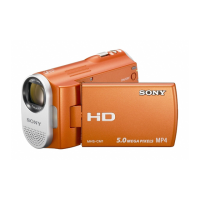
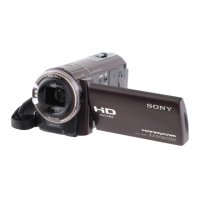
Connecting to a Windows computer
16
The location of the DV Interface varies
depending on the model. Refer to the separate
Camera Operations Guide supplied with your
camcorder for the location.
For the model that is supplied with the
Handycam Station, connect the i.LINK cable to
the DV Interface on the Handycam Station.
z Tip
• You can use other image editing software that can
read video signals to edit the recorded pictures. For
details on the operation of other software, refer to the
help files or the operating instructions of that
software.
To disconnect the i.LINK cable
Turn off the power of the camcorder and
disconnect the i.LINK cable from the
camcorder and computer.



 To Next Page