Connecting to a Windows computer
6
Connecting to a Windows computer
Introduction to
editing pictures on a
computer
Features
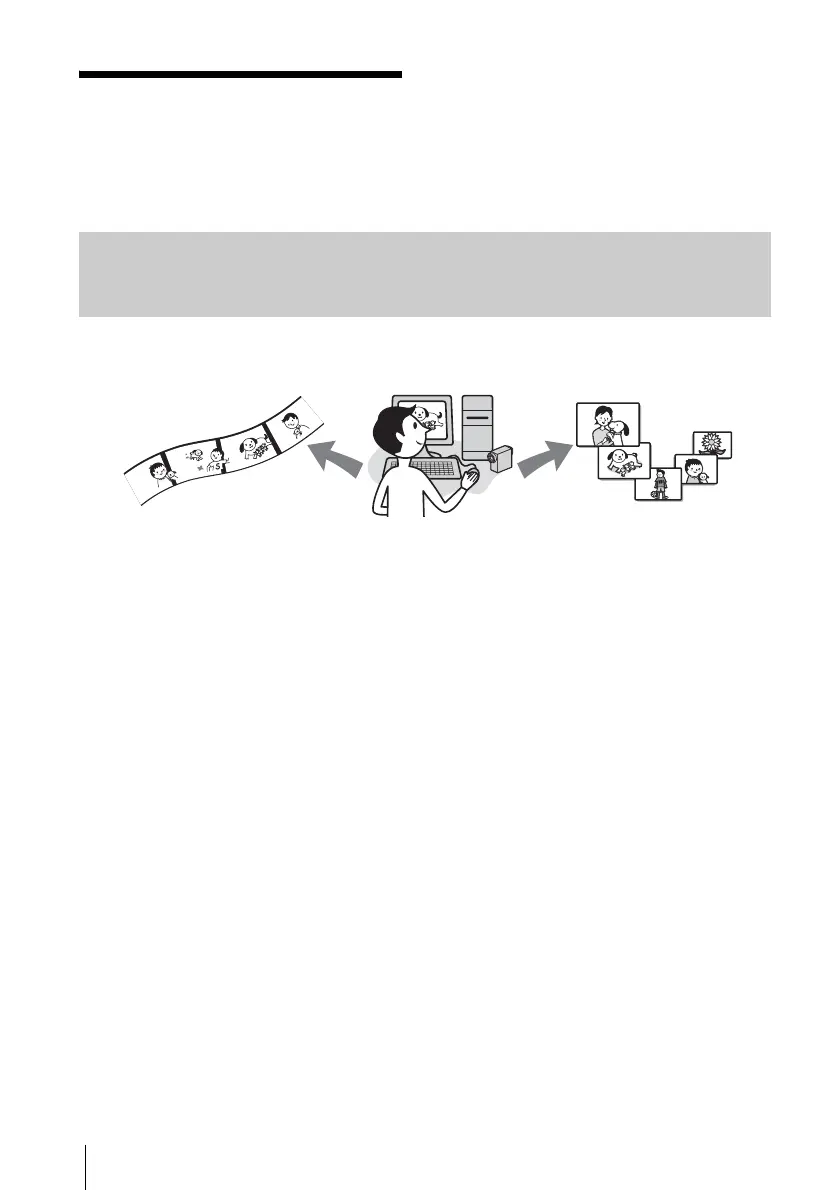
When installing the Picture Package from the supplied CD-ROM, you can manage still images and
movies recorded on your camcorder as digital data on your computer along with several features.
Copying pictures from a “Memory Stick” automatically
You can easily transfer pictures recorded on a “Memory Stick” just by connecting your camcorder to
the computer.
Creating your own original video
You can easily create original videos with added music and effects using pictures recorded on a tape
as materials. You can also create video CDs.
Creating your own slide show
You can select your favorites from pictures imported from a “Memory Stick” and easily create your
original slide show with added music and effects.
Saving the images on CD-R
You can save pictures copied onto a computer on a CD-R.



 To Next Page