Connecting to a Windows computer
Connecting to a Windows computer
7
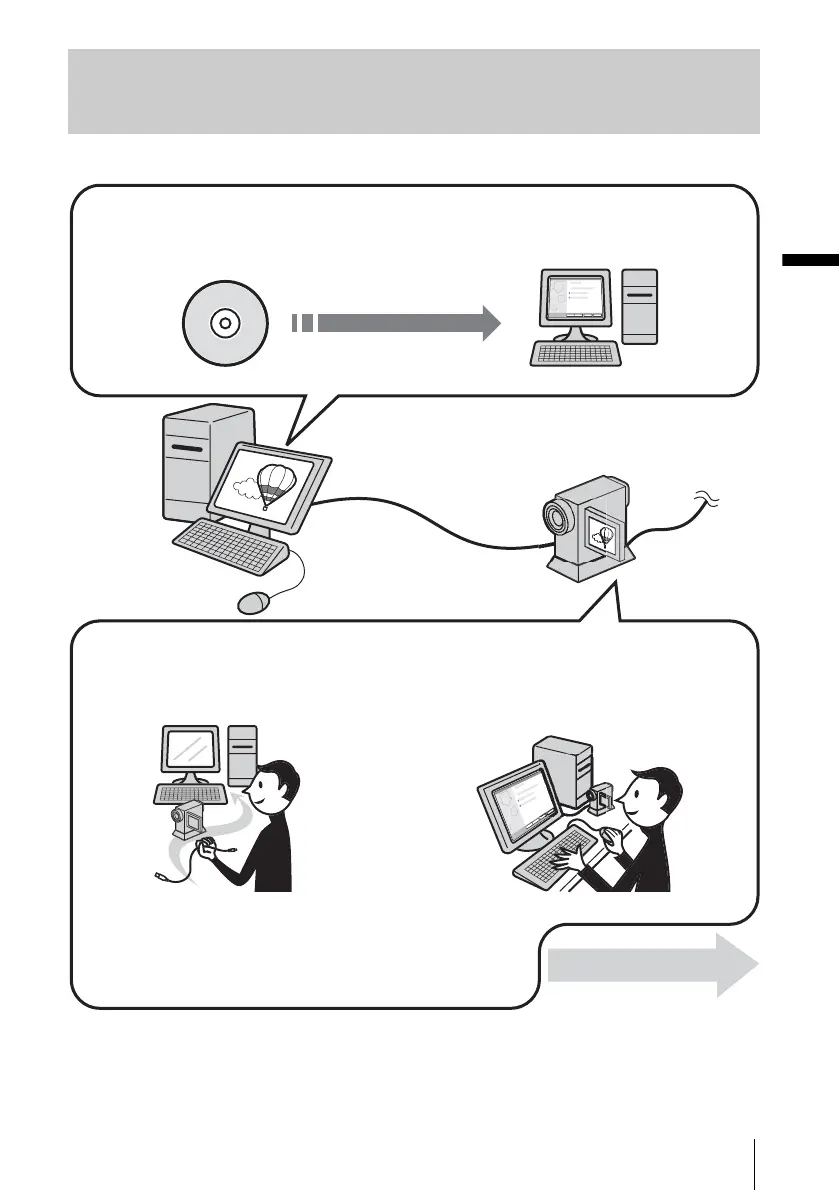
Overview of the preparation
Follow the steps below to complete the preparation.
* These illustrations are of models with a Handycam Station.
For models with a Handycam Station, place your camcorder on the Handycam Station, then connect the
Handycam Station to a computer. You cannot directly connect your camcorder to the computer.
CD-ROM (supplied)
On your camcorder
Step 2: Connecting your camcorder to a computer
On your computer (for the first time only)
Step 1: Installing the software on a computer
Now, start from Step1 !
There are two ways to connect your camcorder to a computer.
• Connecting with a USB cable (supplied)
• Connecting with an i.LINK cable (optional)
See “Step 2: Connecting your camcorder to a computer” (p. 10) for details.



 To Next Page