Managing pictures on a Windows computer
Managing pictures on a Windows computer
27
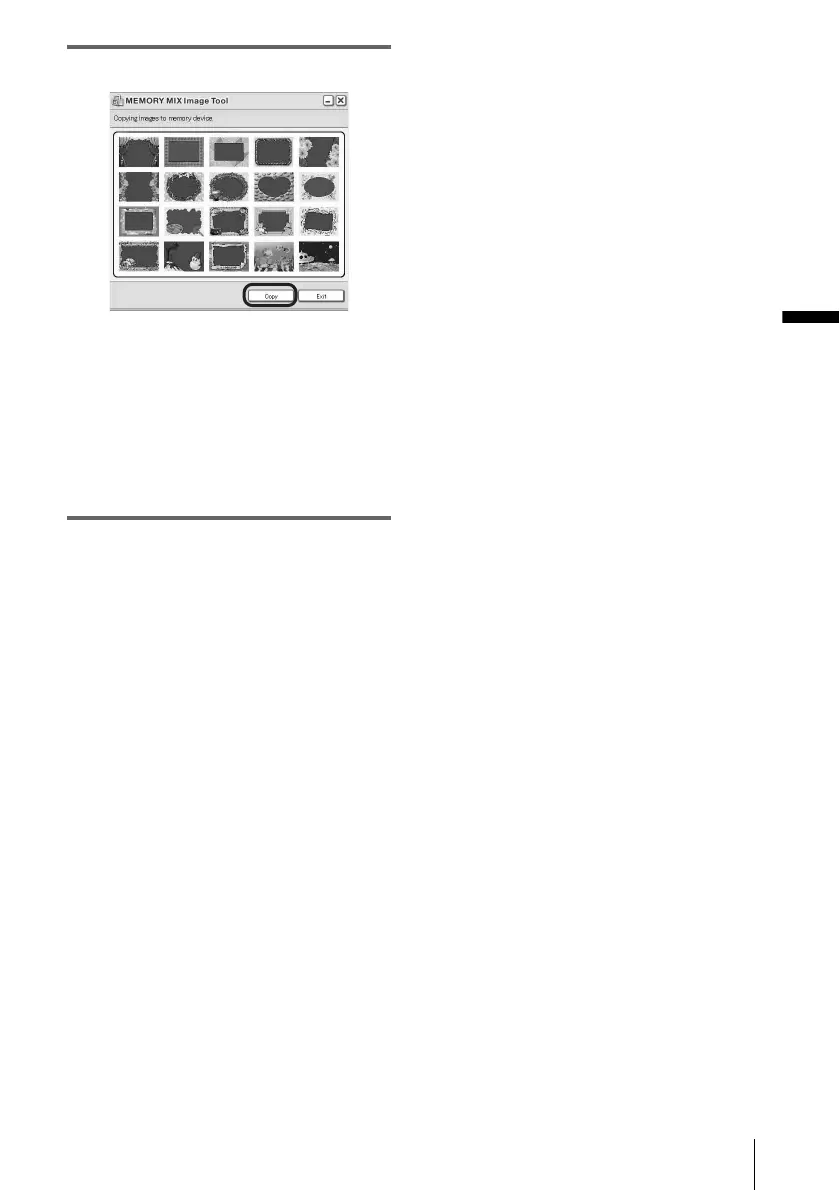
7 Click [Copy].
.
After copying is finished, a new folder
appears.
Normally, a new folder is automatically
created with a number one higher than the
last created folder.
b Note
• You cannot copy pictures when all folders from
100 to 999 are used.



 To Next Page