Other functions
Other functions
31
DVD. The name of the power switch on the
camcorder varies depending on the model.
3 Insert a recorded cassette into your
camcorder.
4 Connect your camcorder to a
computer via an i.LINK cable
(optional). (p. 15)
b Note
• When you connect your camcorder to a
computer, make sure you insert the connector in
the correct direction. If you insert the connector
forcibly, it may be damaged, and causes a
malfunction of your camcorder.
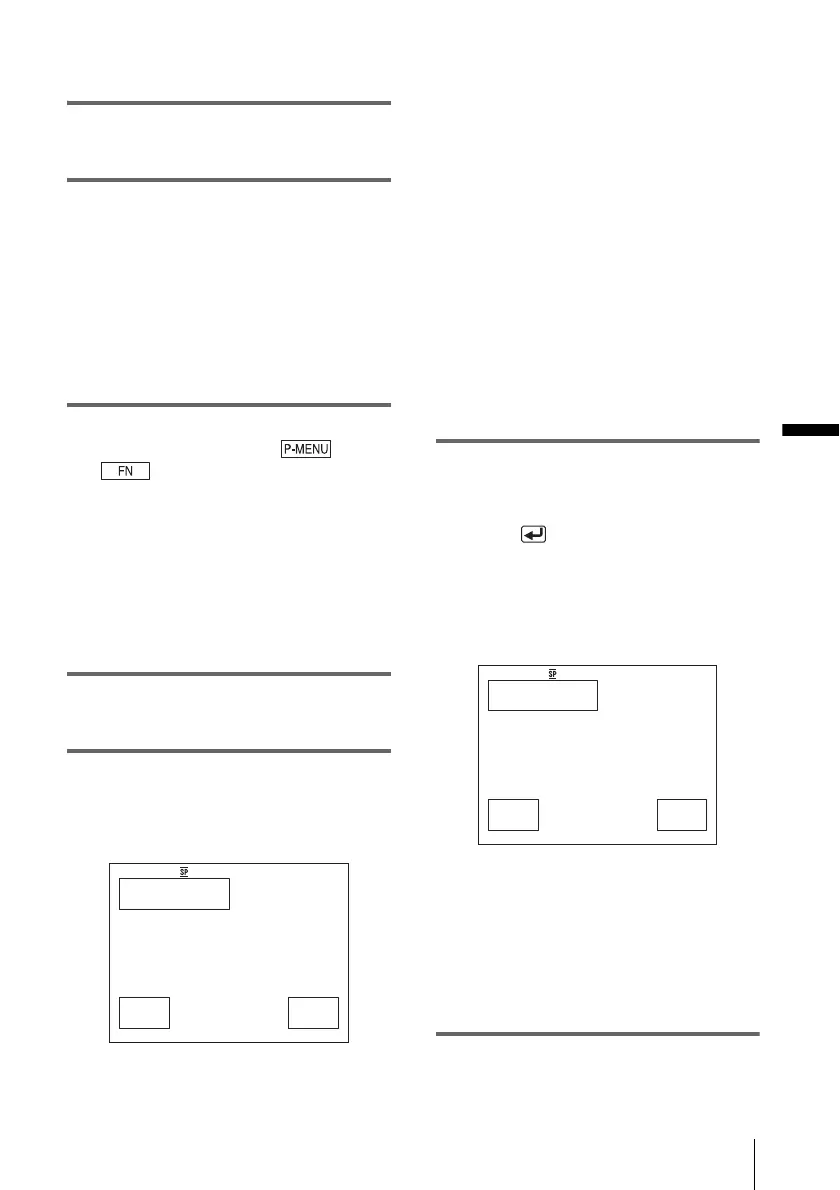
5 For touch panel models,
select [BURN DVD] on or
of your camcorder.
For SEL/PUSH EXEC dial models,
press BURN DVD/VCD of your
camcorder, then select [DVD] on the
[SELECT DISC].
“Click to DVD” starts up and the on-screen
instructions appear on your computer.
The procedure of the menu setting varies
depending on the model.
6 Place a writable DVD in the disc drive
of the computer.
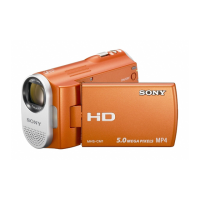
7 For touch panel models,
select [EXEC] on your camcorder.
For SEL/PUSH EXEC dial models,
press the dial on your camcorder.
The status of the operation on your
computer is displayed on the LCD screen of
your camcorder.
CAPTURING: The picture recorded on
the tape is being copied to the computer.
CONVERTING: The picture is being
converted to the MPEG2 format.
WRITING: The picture is being written
onto the DVD.
b Note
• The screen varies depending on the model.
z
Tip
• If you use a DVD-RW/+RW which has other
data stored on it, the message [This is a
recorded disc. Delete and overwrite?] appears
on the LCD screen of your camcorder. When
you select [EXEC], the existing data is erased
and new data is written.
8 Follow the steps below to finish
creating a DVD.
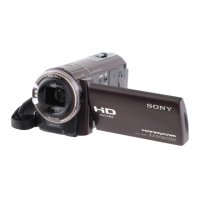
For touch panel models
Select [ END] or [NO] of your
camcorder.
For SEL/PUSH EXEC dial models
Press BURN DVD/VCD of your
camcorder.
The disc tray comes out automatically.
To create another DVD with the same
content, follow the on-screen instructions,
then repeat steps 7 and 8. The disc tray
comes out and place a new writable DVD in
the disc drive.
b Note
• The screen varies depending on the model.
BURN DVD
START
0:00:00:00
CREATE DVD?
EXEC
CANCEL
BURN DVD
COMPLETED
0:00:00:00
Create another
copy?
Disctray opens.
YES NO
,continued



 To Next Page