22
Operating the Drive
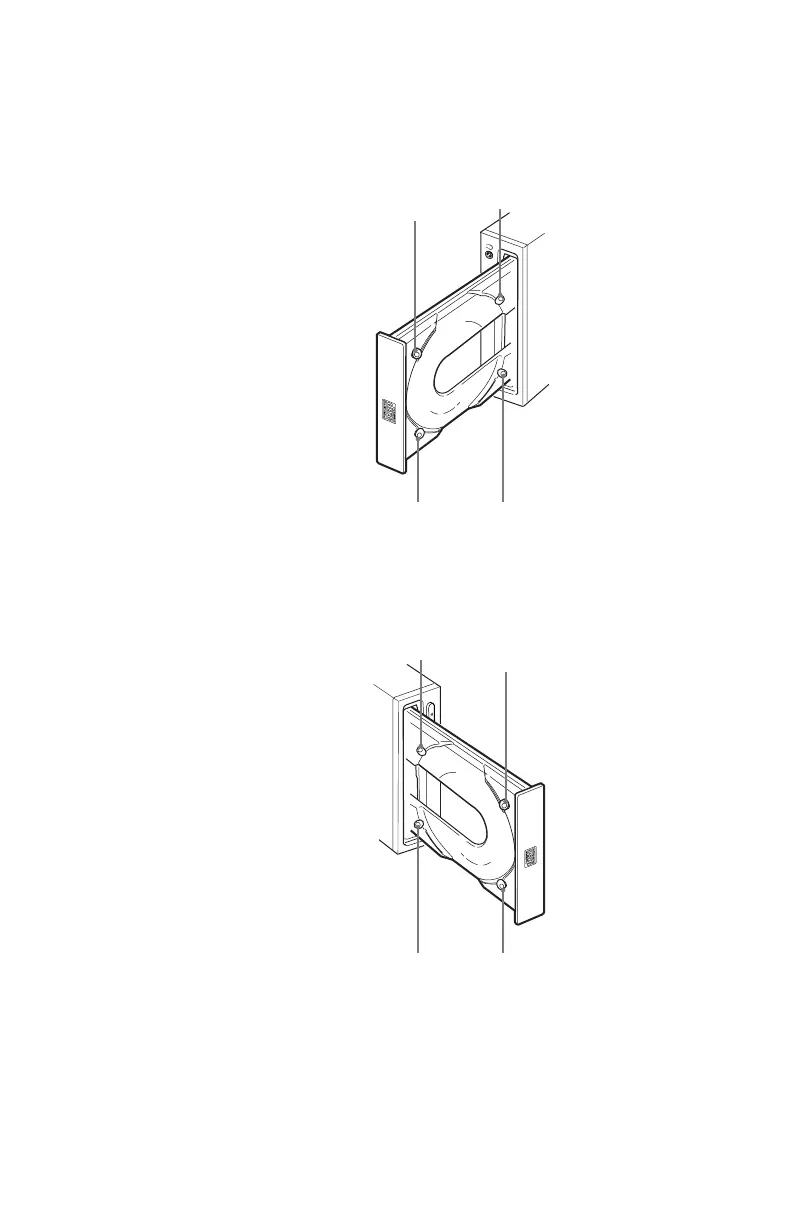
When the drive’s right side is down
To facilitate disc handling, set the disc locks B, C and D into the
locked position, and leave the disc lock A in the unlocked position.
BC
D
A
When the drive’s left side is down
To facilitate disc handling, set the disc locks A, C and D into the
locked position, and leave the disc lock B in the unlocked position.
B
C
DA
Top side
Right side
Top side
Left side



 To Next Page