Cyber-shot User Guide
Print
Operation Search
Before Use
Shooting
Viewing
Using MENU items (Shooting)
Using MENU items (Viewing)
Changing settings
Viewing images on a TV
Using with your computer
Printing
Troubleshooting
Precautions / About this camera
Contents list
Top page > Changing settings > Main Settings > Beep
Beep
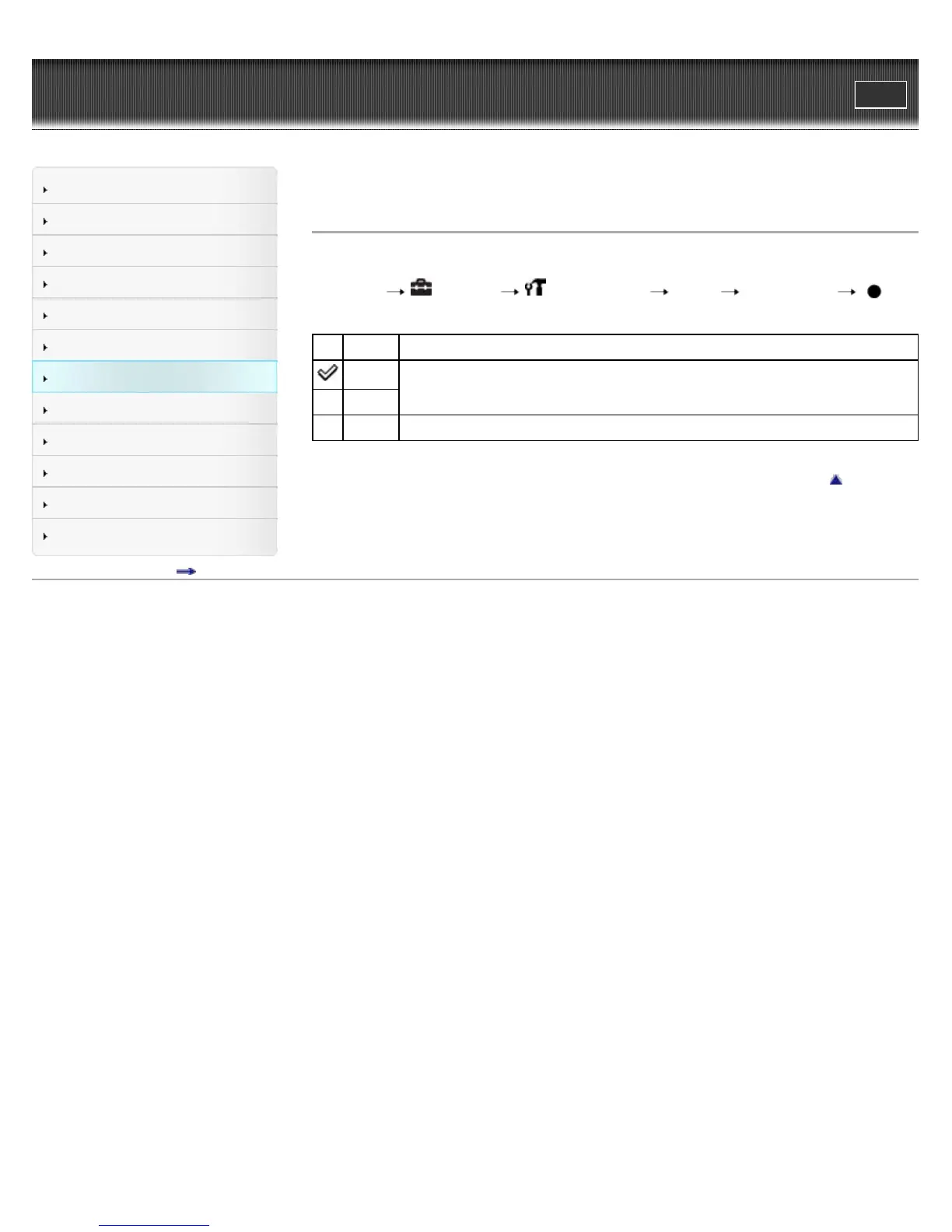
Selects the sound produced when you operate the camera.
1. MENU
(Settings) (Main Settings) [Beep] desired mode
Shutter Turns on the shutter sound when you press the shutter button.
High
Turns on the beep / shutter sound when you press the control / shutter button. If
you want to lower the beep volume, select [Low].
Low
Off Turns off the beep / shutter sound.
Back to top
Copyright 2011 Sony Corporation



 To Next Page
 Loading...



