Changing the font size
Change the font size by changing the setting of your web browser. For how to change the font
size setting, refer to the Help of your web browser.
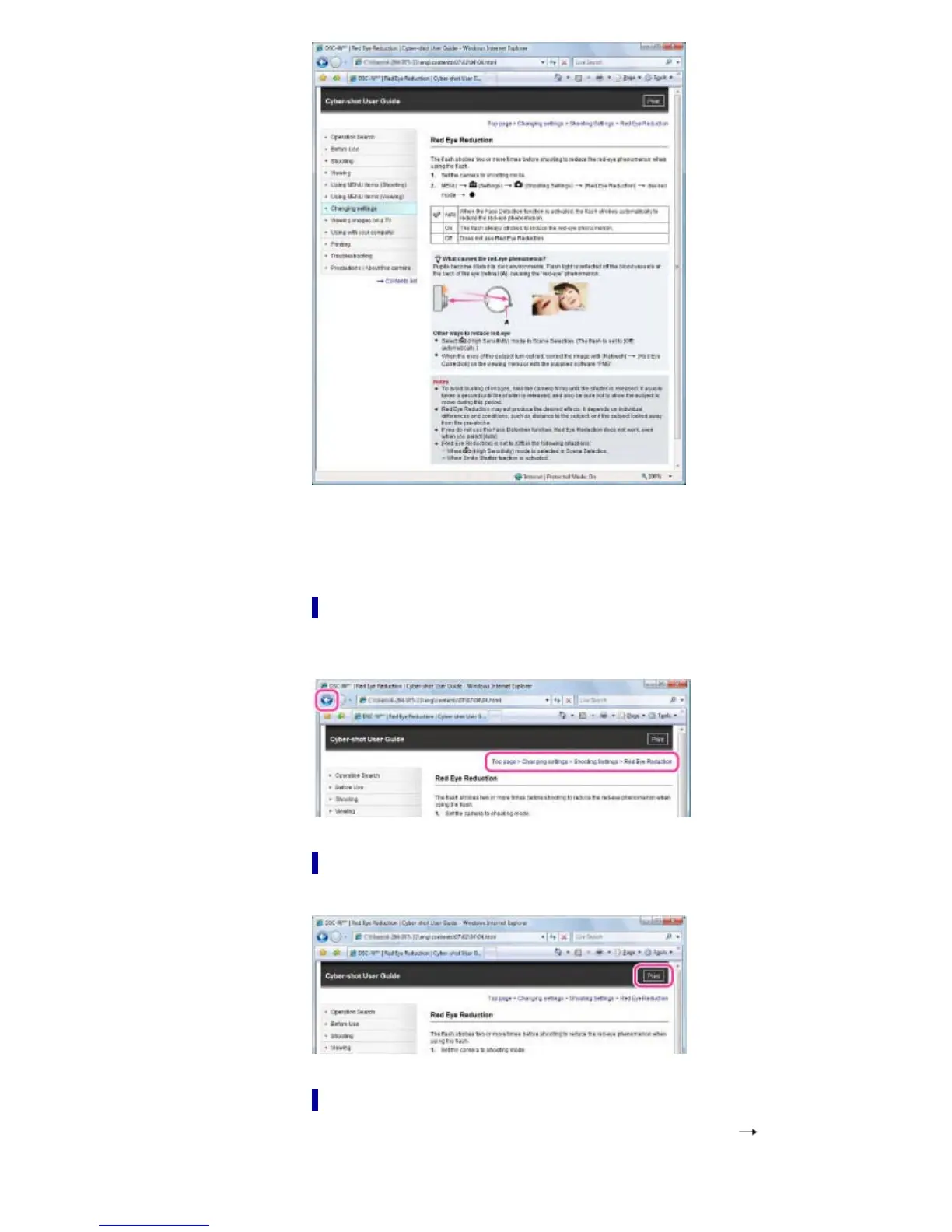
Returning to a previous page
Use the back button of your web browser or the breadcrumb trail navigation to return to a page
you previously viewed.
Printing out a page
Click the [Print] button to print out a page you are viewing.
Marks and notations used in this User Guide
In this User Guide, the sequence of operations is shown by arrows ( ) (A).
Operate the camera in the order indicated.



 To Next Page
 Loading...



