20
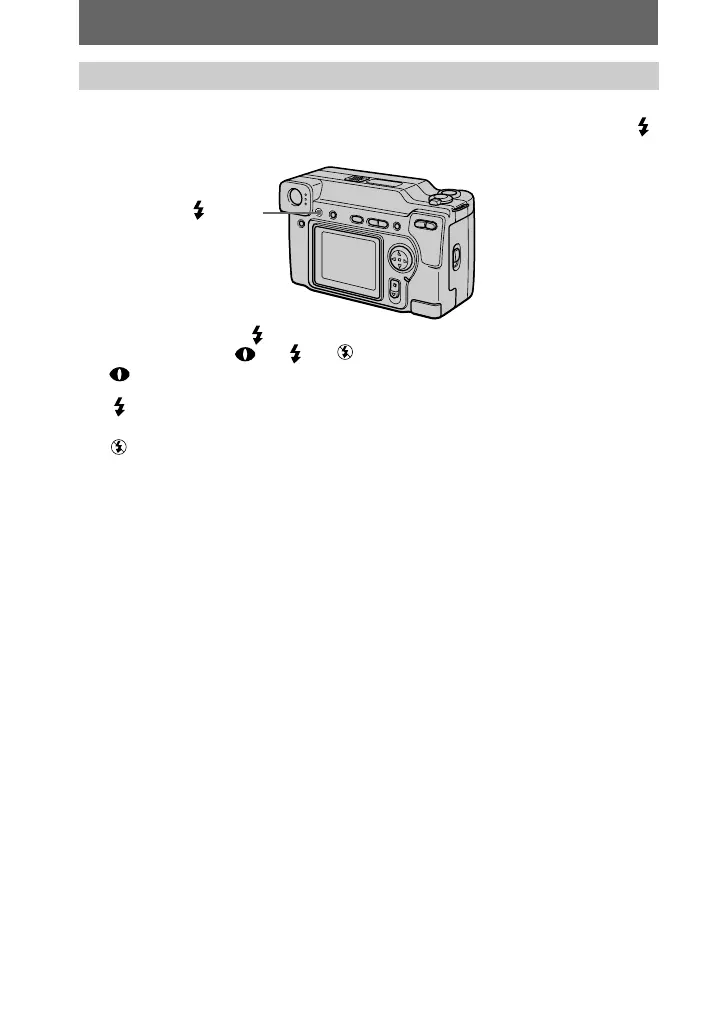
The initial setting is auto (no indicator). In this mode, the flash automatically strobes
when the surroundings become dark. When you change the flash mode, press the
(flash) repeatedly so that the flash mode indicator appears on the LCD screen.
Each time you press the (flash), the indicator changes as follows.
(No indicator) t t t t (No indicator)
Auto red-eye reduction: The flash strobes before recording to reduce the
red-eye phenomenon.
Forced flash: The flash strobes regardless of the surrounding
brightness.
No flash: The flash does not strobe.
You can change the brightness of the flash (FLASH LEVEL) in the menu settings
(page 35).
Notes
•
The recommended shooting distance using the built-in flash is 31/32 feet to 8 1/3 feet (0.3 m to
2.5 m).
•
Attaching a conversion lens (not supplied) may block the light from the flash or cause the lens
shadow to appear.
•
You cannot use an external flash and the built-in flash at the same time.
•
Auto red-eye reduction may not produce the desired red-eye reduction effects depending on
individual differences, the distance to the subject, if the subject does not see the pre-strobe, or
other conditions. In addition, red-eye reduction effects are also difficult to obtain if you set the
shutter to a slow speed in the PROGRAM AE shutter priority mode.
•
The flash effect is not obtained easily when you use forced flash in a bright location.
Recording images with the flash
(
flash)


 To Next Page
 Loading...









