30
Advanced operations
Before performing advanced
operations
This section describes the basic control methods that are frequently used for
“Advanced operations”.
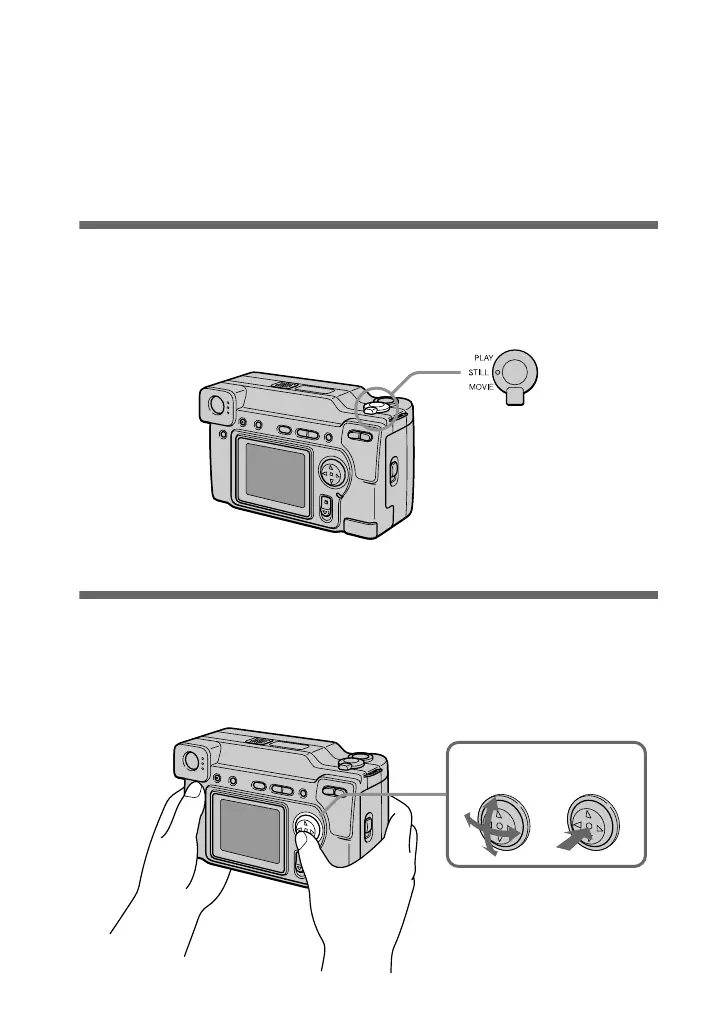
How to use the MODE selector
The MODE selector selects whether you can use your camera to record or to play
back and edit images. Set the selector as follows before starting to operate your
camera.
How to use the control button
The control button is used to select the indicators, images and menus appearing on
the LCD screen of your camera. The operation methods that are frequently used for
“Advanced operations” are described below.
PLAY: To play back or edit
images
STILL: To record still images
and voice memos
MOVIE: To record moving
images
Select Enter (OK)



 To Next Page
 Loading...








