Table of
contents
Operation
Search
MENU/Settings
Search
Index
40
GB
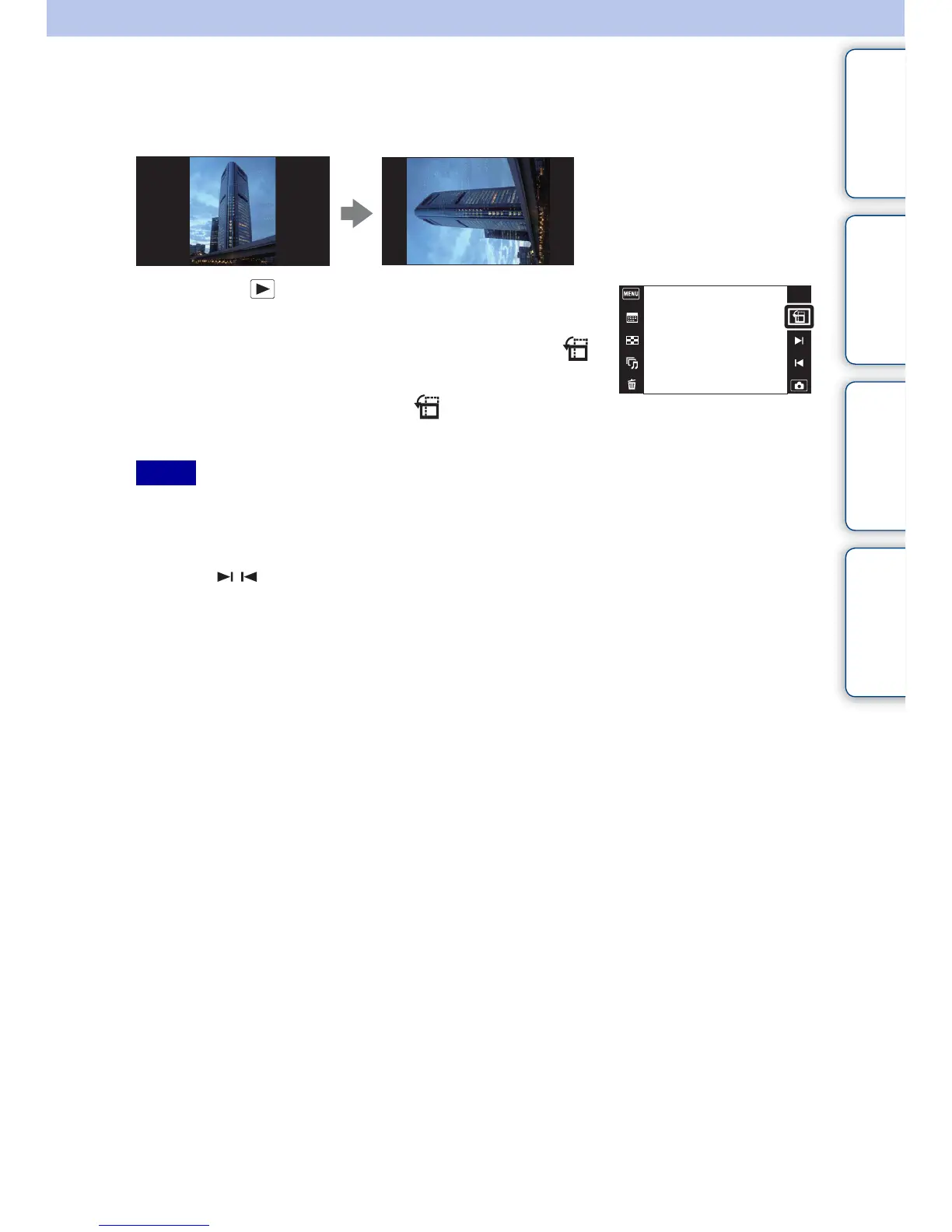
Temporarily Rotated Display
This is used in the single-image mode to temporarily rotate an image and enlarge it on the screen.
1 Press the (Playback) button to switch to
playback mode.
2 Select the vertical orientation image t touch
(Temporarily Rotated Display).
3 To cancel the display, touch (Temporarily
Rotated Display) again.
• Temporarily Rotated Display is not available for the following images:
–Movies
– Panoramic images
– Horizontal orientation images
• Touching / cancels Temporarily Rotated Display.
Notes



 To Next Page
 Loading...




