20
GB
Basic Operations
3 Press X/x repeatedly until
“ATTENUATE” appears in the front
panel display, then press or c.
4 Press X/x to select a setting.
The default setting is underlined.
• “ATT ON”
: attenuates the input level.
The output level is changed.
• “ATT OFF”: normal input level.
5 Press .
The setting is made.
6 Press SYSTEM MENU.
The system menu turns off.
You can enjoy TV sound from all the speakers in
this system.
For details, see “Step 1: Connecting the System
and TV” (page 9).
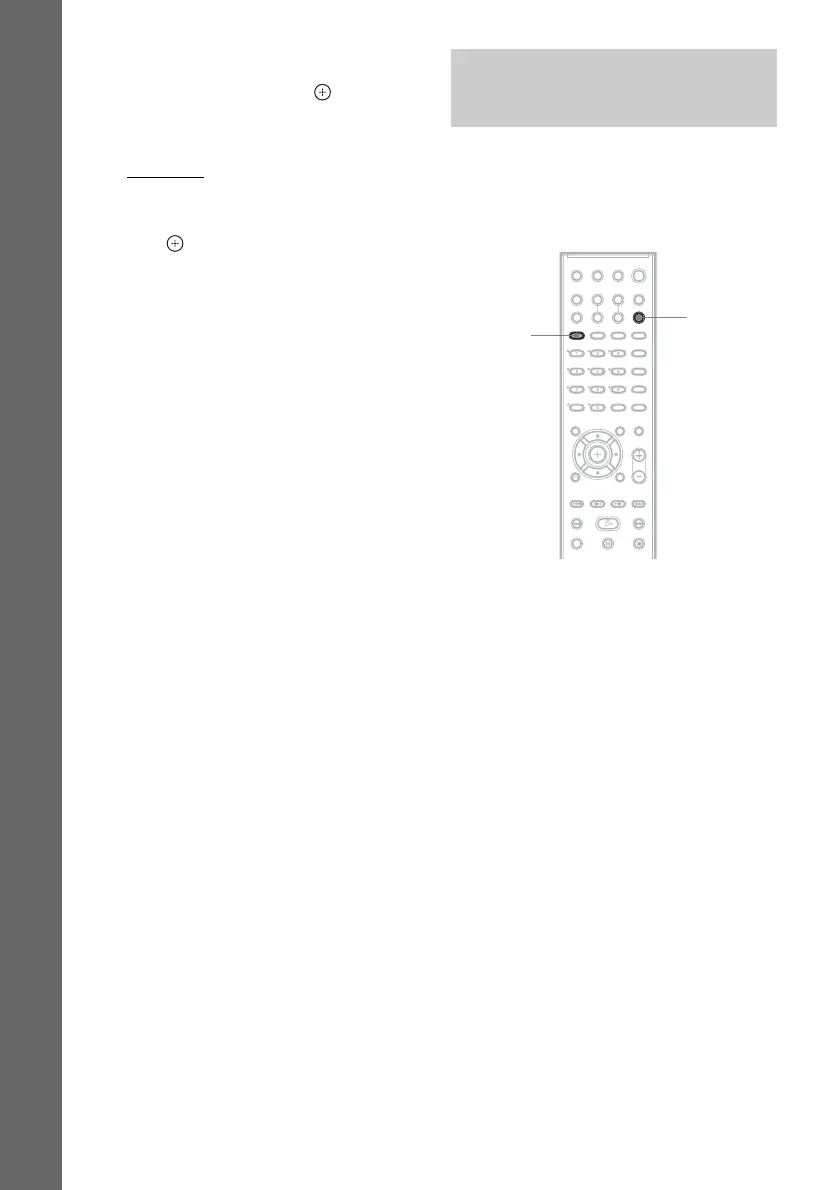
1 Press FUNCTION repeatedly until “TV”
appears in the front panel display.
2 Press SOUND FIELD repeatedly until
the sound field you want appears in the
front panel display.
When you want to output the TV sound or
stereo sound of a 2 channel source from the
6 speakers, select the “PRO LOGIC,” “PLII
MOVIE,” or “PLII MUSIC” sound field.
For details of sound field, see page 22.
Enjoying TV Sound from All
Speakers
SOUND
FIELD
FUNCTION



 To Next Page