Various Functions for Playing Discs
37
GB
If subtitles are recorded on a disc, you can turn
the subtitles on or off while playing. If
multilingual subtitles are recorded on the disc,
you can change the subtitle language while
playing, or turn the subtitles on or off whenever
you want.
Press SUBTITLE during playback.
Each time you press SUBTITLE, the subtitle
language changes.
Note
• Depending on the DVD VIDEO, you may not be able
to change the subtitles even if multilingual subtitles
are recorded on it. You also may not be able to turn
them off.
• You can change the subtitles if the DivX video file
has an “.AVI” or “.DIVX” extension and contains
subtitle information within the same file (except for
United Kingdom and North American models).
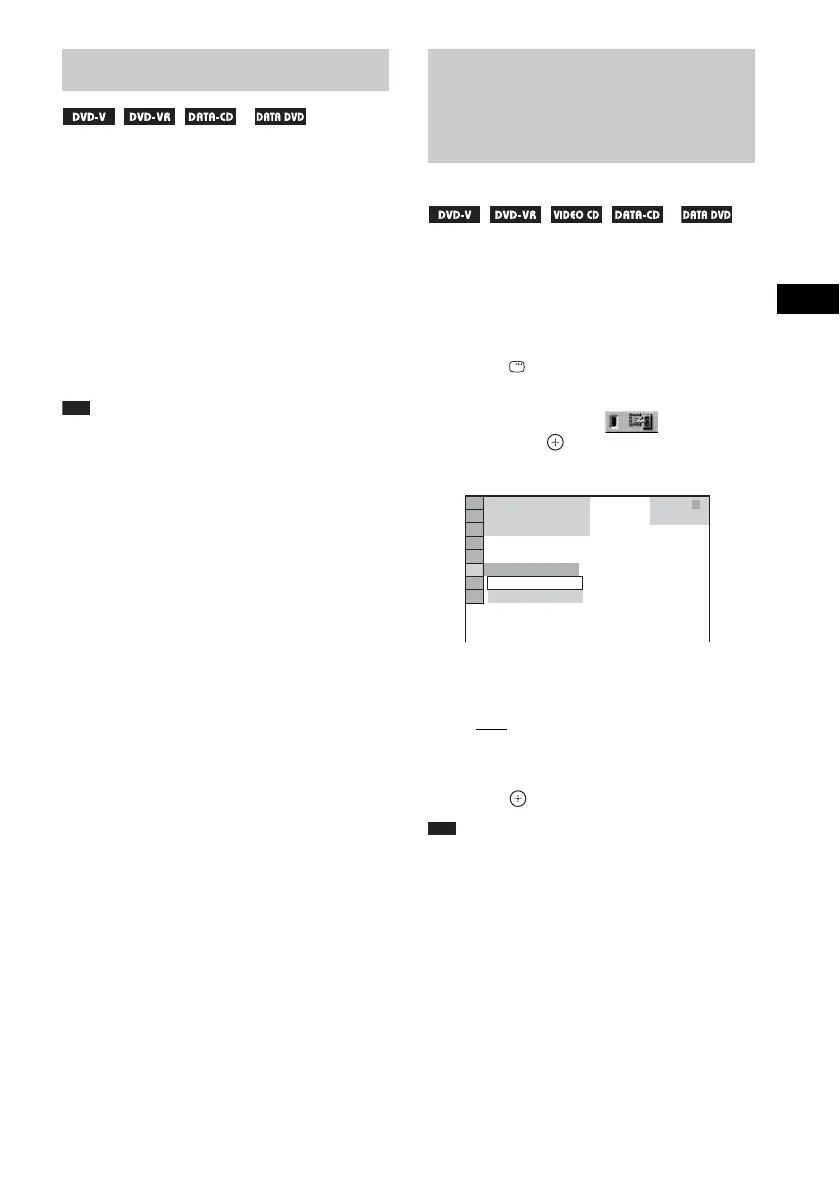
When the sound does not match the pictures on
the TV screen, you can adjust the delay between
the picture and sound.
1 Press DISPLAY.
The Control Menu display appears.
2 Press X/x to select [A/V SYNC],
then press .
The options for [A/V SYNC] appear.
3 Press X/x to select a setting.
The default setting is underlined.
•[OFF
]: does not adjust.
• [ON]: adjusts the difference between
picture and sound.
4 Press .
Note
• Depending on the input stream, this function may not
be effective.
Displaying the Subtitles
* *
* Except for United Kingdom and North American
models.
Adjusting the Delay
Between the Picture and
Sound
(A/V SYNC)
* *
* Except for United Kingdom and North American
models.
OFF
ON
OFF
T
0 : 0 0 : 0 2
1
(
2 8
)
1
(
1 2
)
DVD VIDEO



 To Next Page