52
Adjusting the recording sound
You can adjust the recording sound level. Use headphones (not supplied) to monitor
the sound when you adjust.
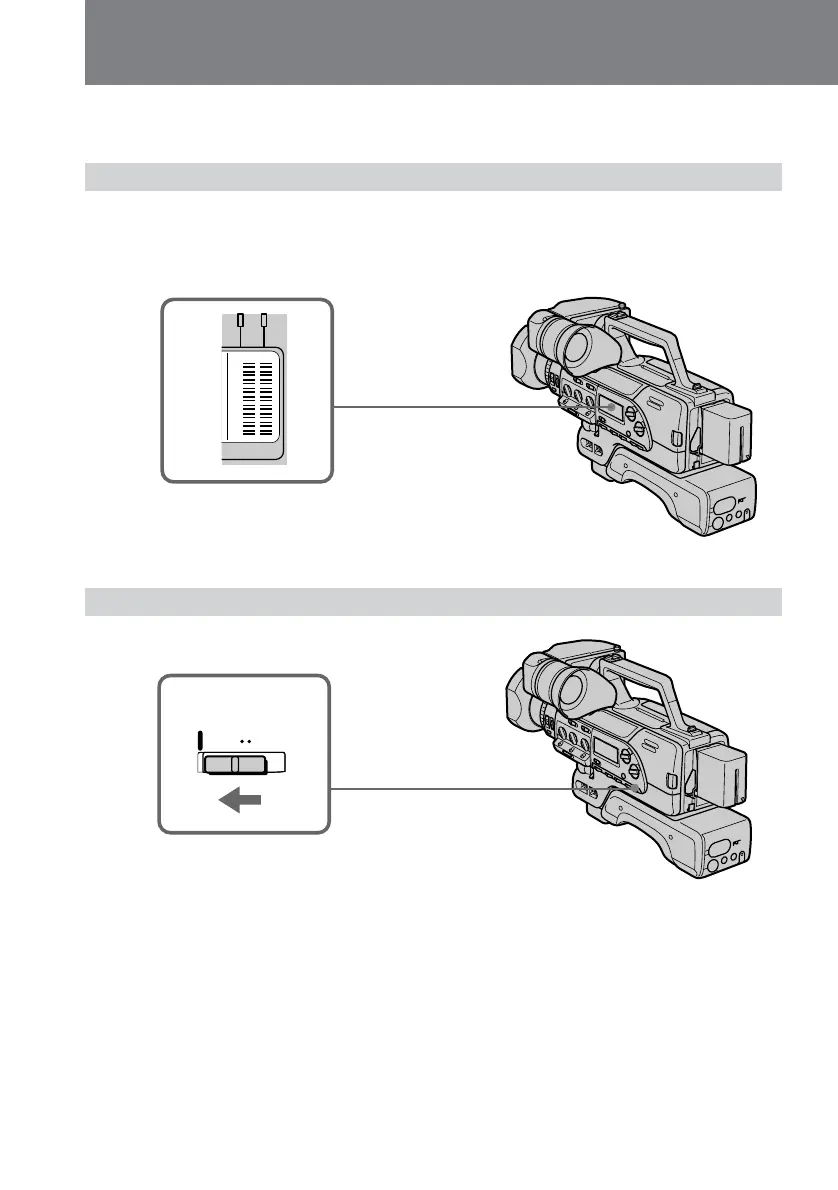
Checking the recording level
Use the level indicator in the display window.
If the input level is excessive, the PEAK indicator lights. If the PEAK indicator remains
lit, adjust the recording sound manually.
Adjusting the recording level automatically
Set the REC LEVEL switch to AUTO.
REC LEVEL
AUTO MANU
PEAK
REC LEVEL















 To Next Page