9
Getting started
Installing the battery pack
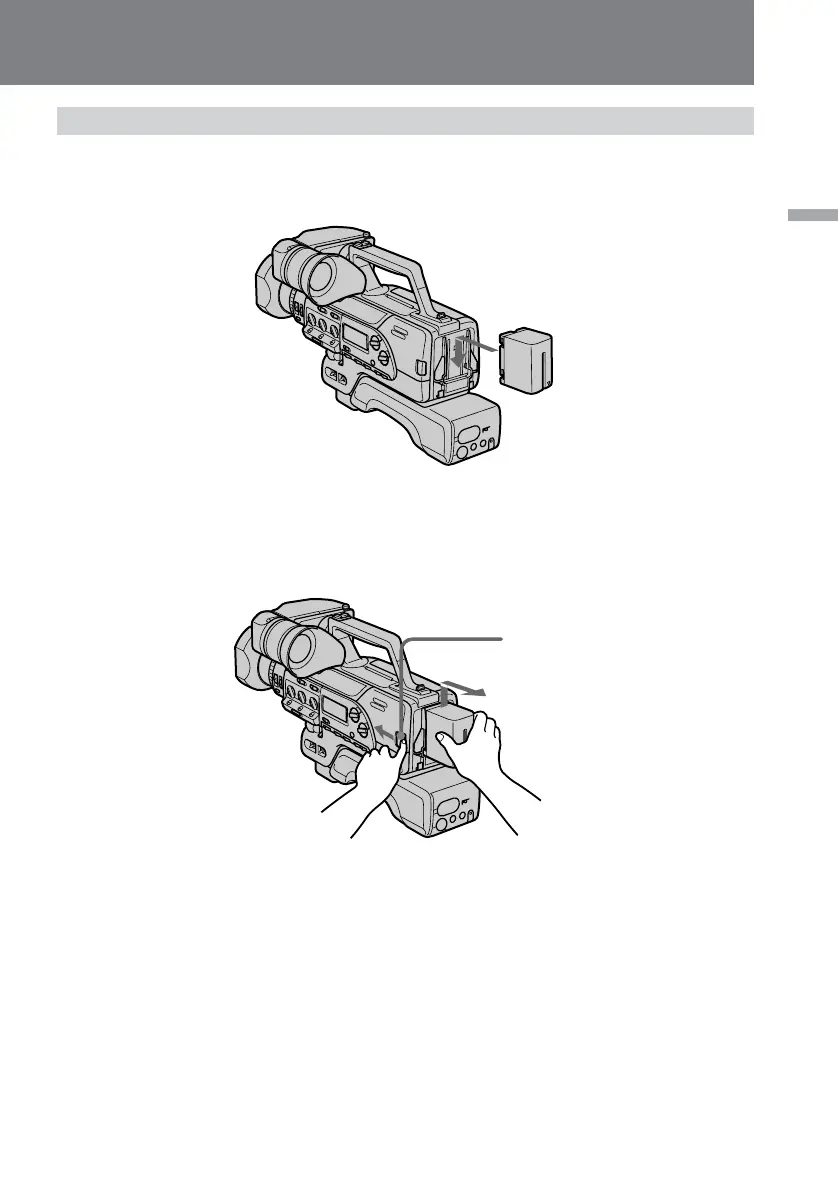
Insert the battery pack in the direction of the $ mark on the battery pack. Slide the
battery pack down until it catches on the battery release lever and clicks.
BATT
To remove battery pack
While pressing BATT, lift the battery pack out in the direction of the arrow.
Note
When you install or remove the battery pack, make sure that the POWER switch is set
to OFF.















 To Next Page