Getting Started
18
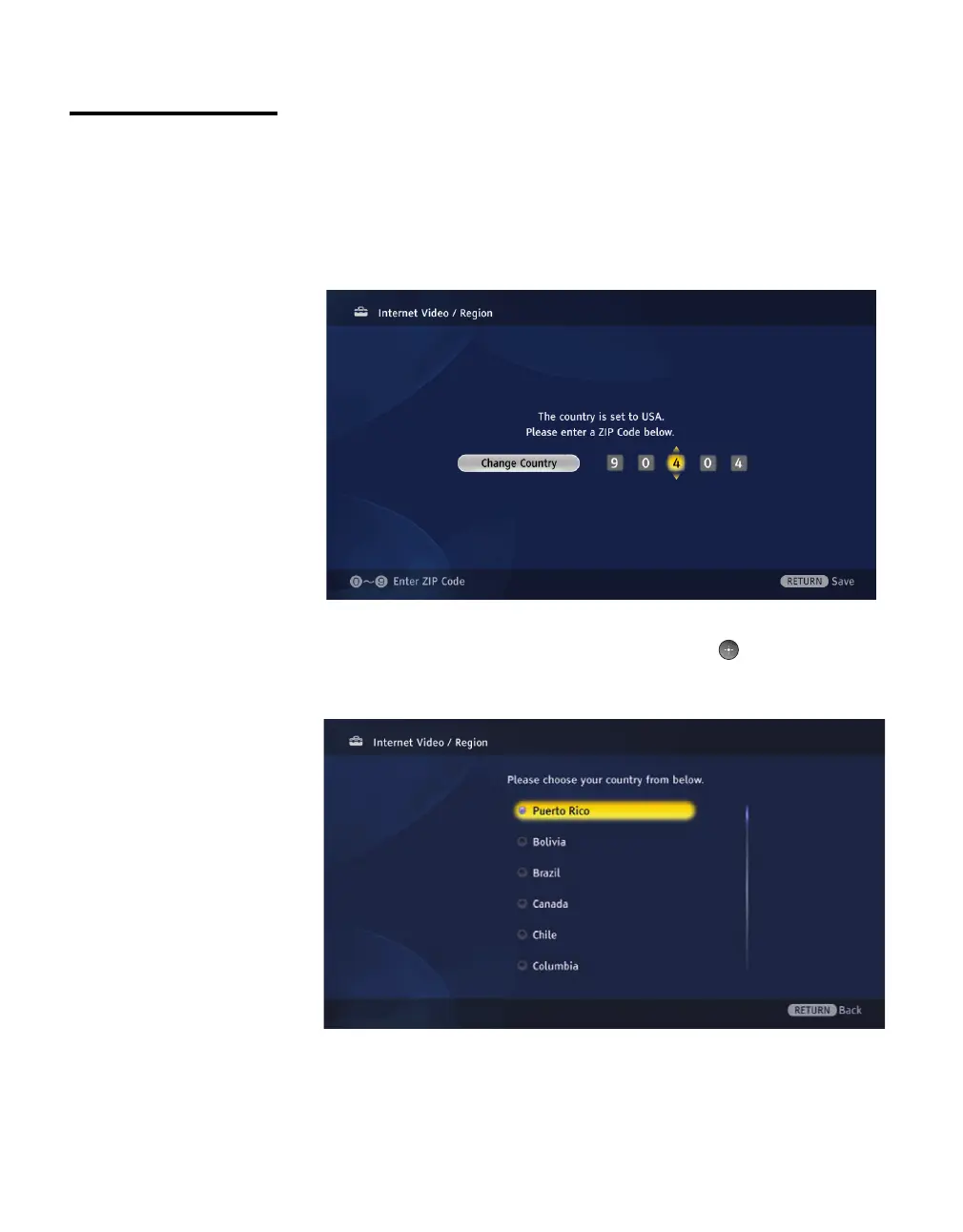
Region Setup Complete Region setup to personalize My Page and fully enjoy your
receiver. Region setup is optional but recommended
1 On the Settings menu, select Internet Video.
2 Select Region.
3 The default country is the United States. Press the V/v/B/b and 0-9
buttons to enter your ZIP code.
4 Press the B button on your TV’s remote control to switch countries, if
applicable. Highlight your country and press the button. You can
find all the countries and cities available on the Country and City List
on page 47.



 To Next Page
 Loading...