Help Guide
Digital Still Camera
DSC-RX0
Controlling the camera from a smartphone via Wi-Fi (Single connection) (Android)
By connecting a smartphone with the camera via Wi-Fi, you can shoot images while checking the composition or settings
on the screen of the smartphone.
Install PlayMemories Mobile to your smartphone.
If PlayMemories Mobile has already been installed, update it to the latest version.
1
MENU → (Network) → [Ctrl w/ Smartphone] and set as follows.
[Ctrl w/ Smartphone]: [On]
[
Connection Type]: [Single]
2
Select [
Connection Info.] under [Ctrl w/ Smartphone].
The QR Code and SSID for a single connection will be displayed.
3
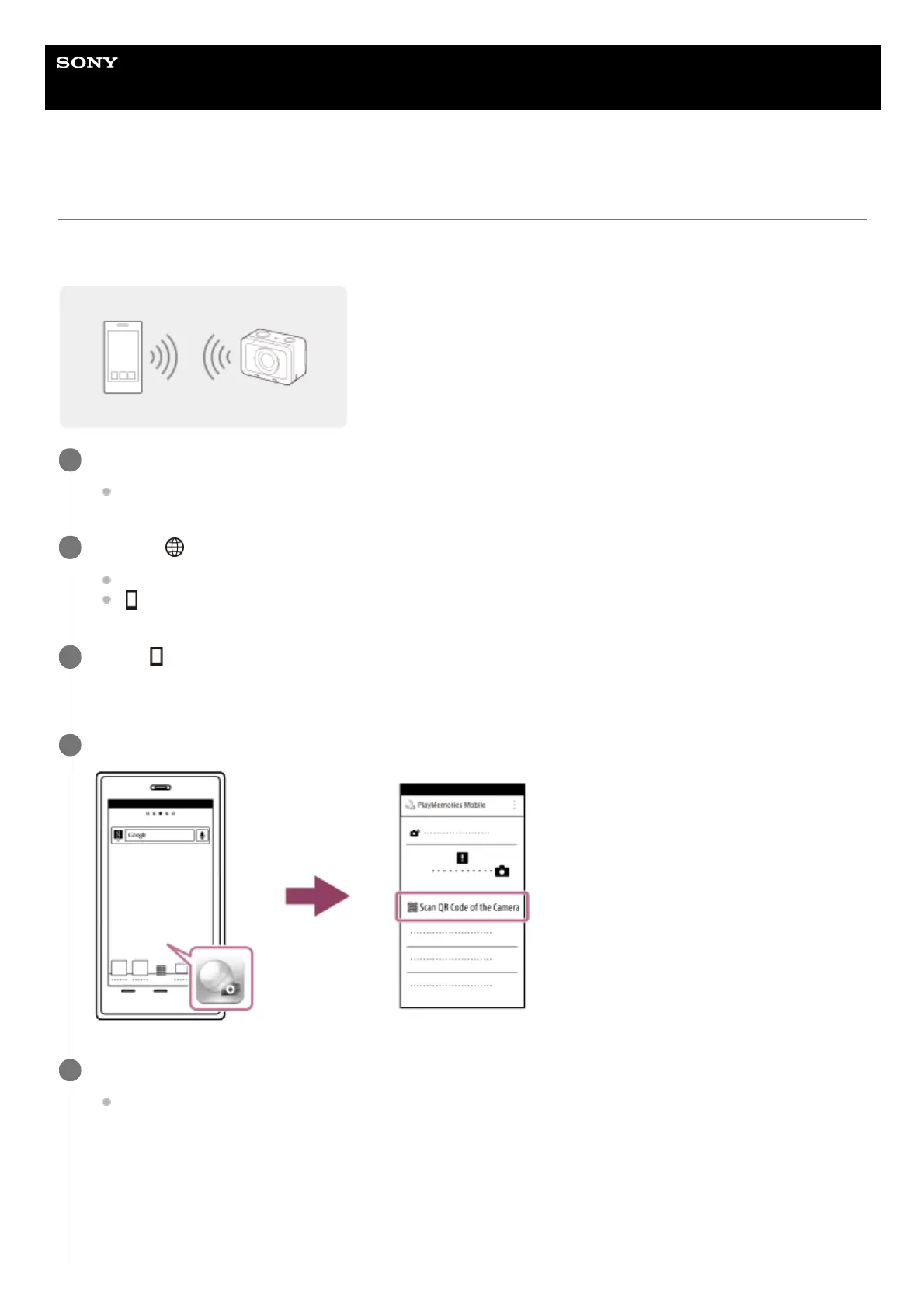
Launch PlayMemories Mobile on your smartphone and select [Scan QR Code of the Camera].
4
Select [OK] on the smartphone screen.
When a message is displayed, select [OK] again.
5












 To Next Page