52
Viewing menu For details on the operation 1 page 30
5 Press z at the desired cutting point.
• When you want to adjust the cutting point, select [c/C] (frame rewind/forward) and adjust the
cutting point using b/B.
• If you want to change the cutting point, select [Cancel]. The movie starts again.
6 Select [OK] with v/V, and press z.
7 Select [OK] with v, then press z.
The movie is cut.
• The cut movies are assigned new numbers, and then recorded as the newest files in the selected recording
folder.
• You cannot cut the following kinds of images.
– Still images
– Movies not long enough to cut (shorter than about two seconds)
– Protected movies (page 45)
See page 53.
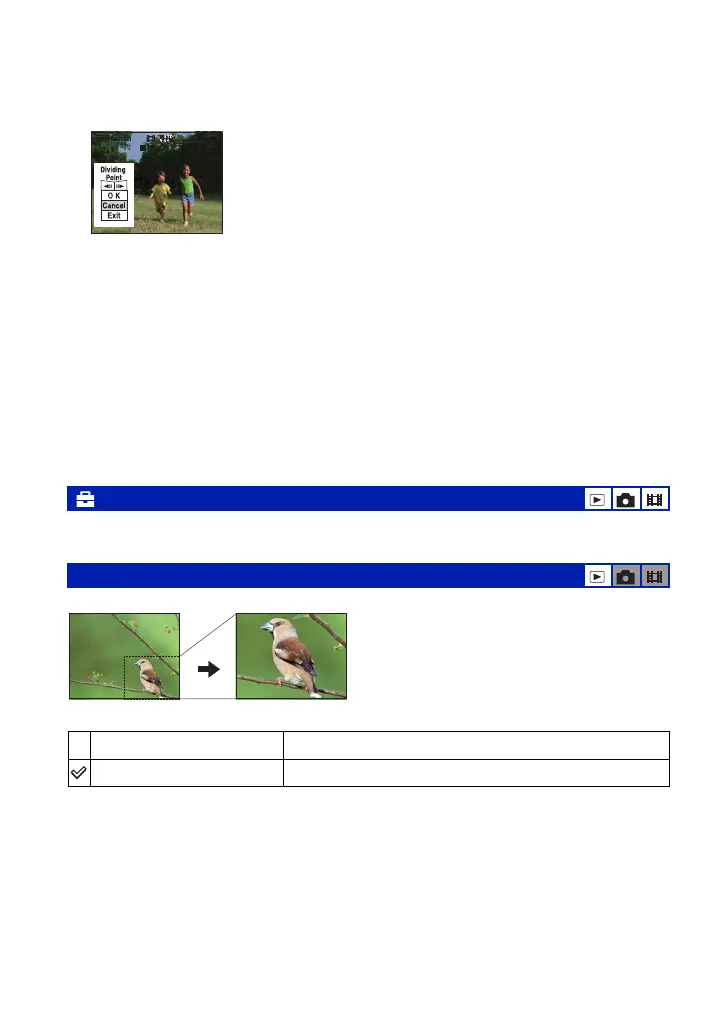
Records an enlarged image (page 27) as a new file
.
1 Press MENU during playback zoom to display the menu.
2 Select [Trimming] with B on the control button, then press z.
3 Select the image size with v/V, then press z.
The image is recorded, and the original image is displayed again.
• The trimmed image is recorded as the newest file in the selected recording folder, and the original image is
retained.
• The quality of trimmed images may deteriorate.
• You cannot trim to an image size of 3:2 or 16:9 aspect ratio.
• You cannot trim images displayed with Quick Review.
(Setup): Changing Setup items
Trimming: Rotating an enlarged image
Trimming
See the following procedure.
Return
Cancels trimming.













 To Next Page