81
Using your computer
Using the “Picture Motion Browser” (supplied)
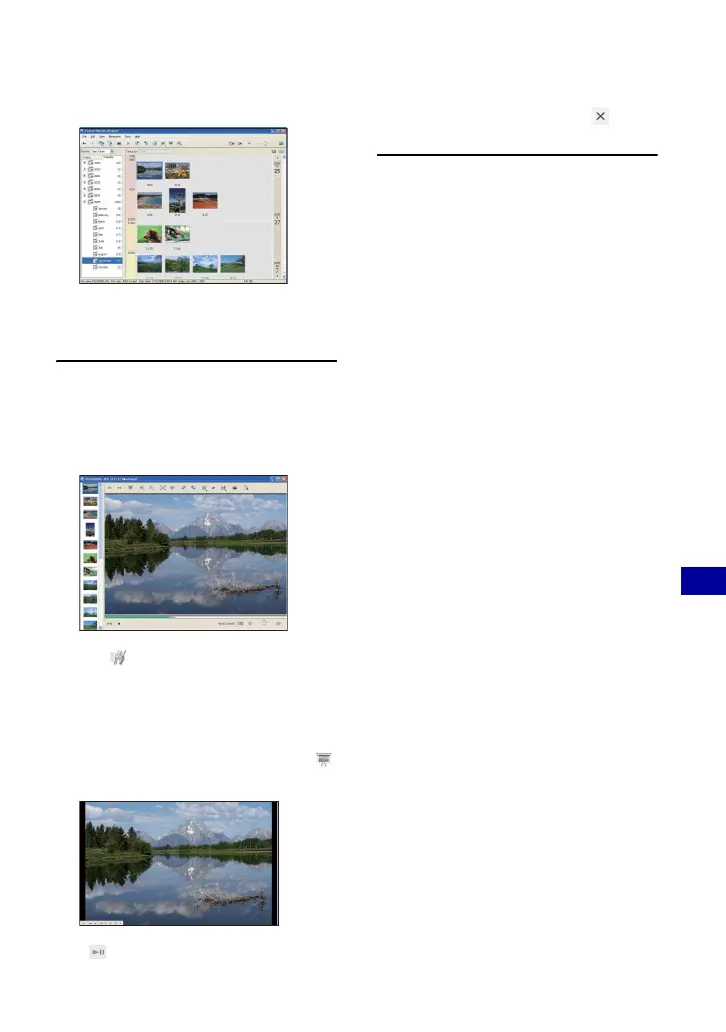
Hour display screen
• To list images from a particular year or
month, click that period on the left of the
screen.
3 Displaying individual images
On the hour display screen, double-click
a thumbnail to display the image by
itself in a separate window.
• You can edit displayed images by clicking
the toolbar button.
Displaying images in full-screen
mode
To display a slide show of current
images in full-screen mode, click the
button.
• To play or pause the slide show, click the
button on the lower left of the screen.
• To stop the slide show, click the button
on the lower left of the screen.













 To Next Page