6-23
DSC-T20/T25_ADJ
1-6-3. Adjusting Method
1. CAMERA Adjustment 1
Note: There is no magnetic substance within around 8 cm of the
camera.
[Automatic Adjustment Program execution items and
sequence]
1. Data Setting during Camera Adj.
2. Hall Adj.
3. Release of Data Setting during Camera Adj.
[Adjusting method]
1) Click the [Start] button of CAMERA Adjustment 1.
2) The Automatic Adjustment Program executes the “1. Data Set-
ting during Camera Adj.”.
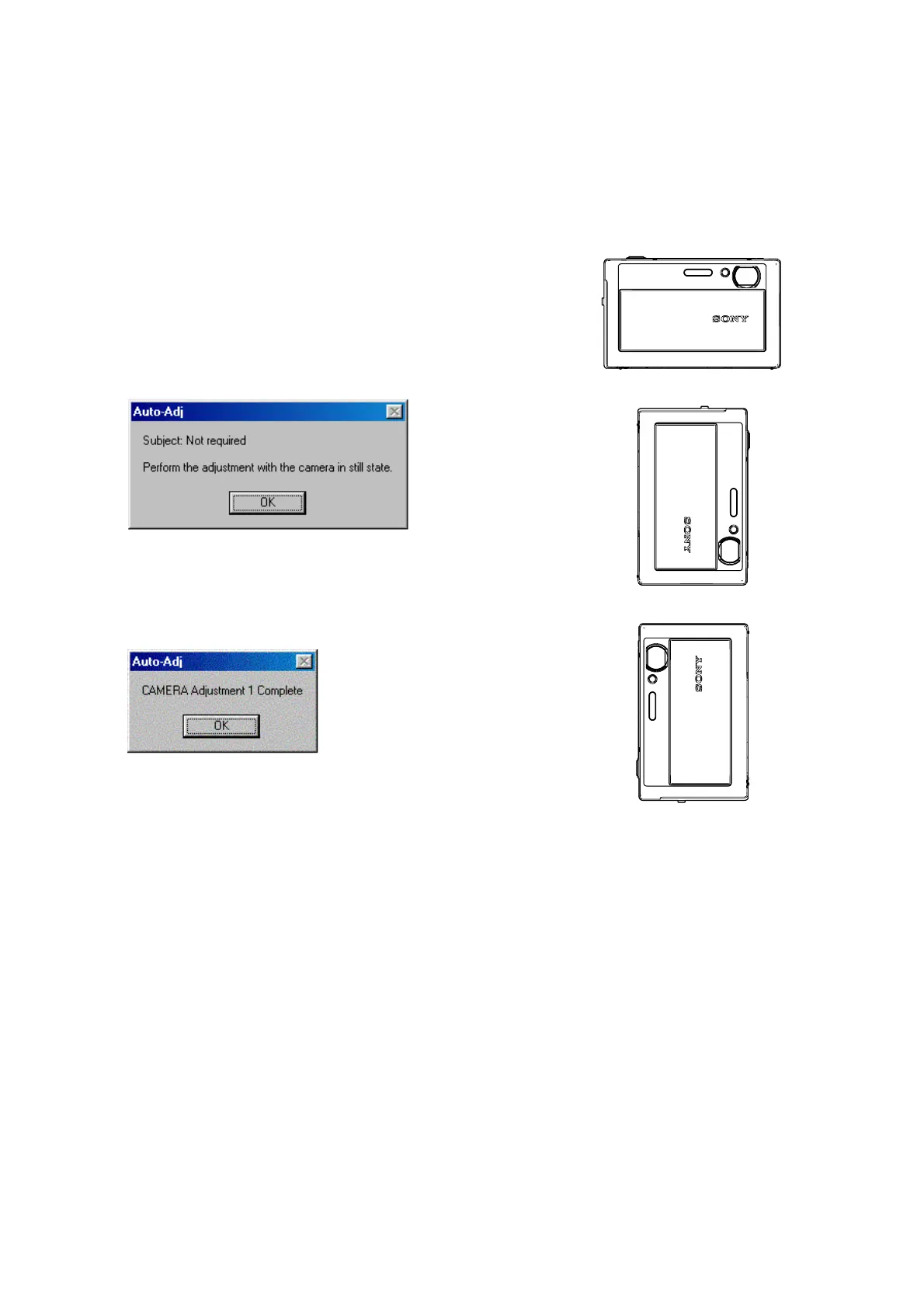
3) Upon successful completion of “1. Data Setting during Cam-
era Adj.”, the following screen is displayed.
4) If the [OK] button is clicked, “2. Hall Adj.” and “3. Release of
Data Setting during Camera Adj.” will be executed.
5) Upon successful completion of all items of the CAMERA Ad-
justment 1, the following message is displayed. Click the [OK]
button.
Processing after Completing Adjustment:
[Checking method]
1) [HOME screen] t [Settings] t [Shooting Settings] t
[Shooting Settings 2] t Select [Auto Orientation] to “ON”.
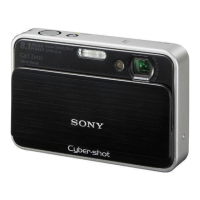
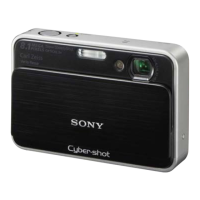
2) Shoot with the set in respective positions (a) to (c) shown be-
low.
3) Check the pictures in the Playback mode to confirm that the
pictures are rotated correctly.
Fig. 6-1-19
(a)
(b)
(c)





 To Next Page