Cyber-shot User Guide
PrintSearch
Before Use
Confirming the operation
method
Shooting
Viewing
Useful shooting functions
Useful viewing functions
Changing settings
Viewing images on a TV
Using with your computer
Printing
Troubleshooting
Precautions/About this camera
Contents list
Top page > Shooting > Shooting still images > Zoom
Zoom
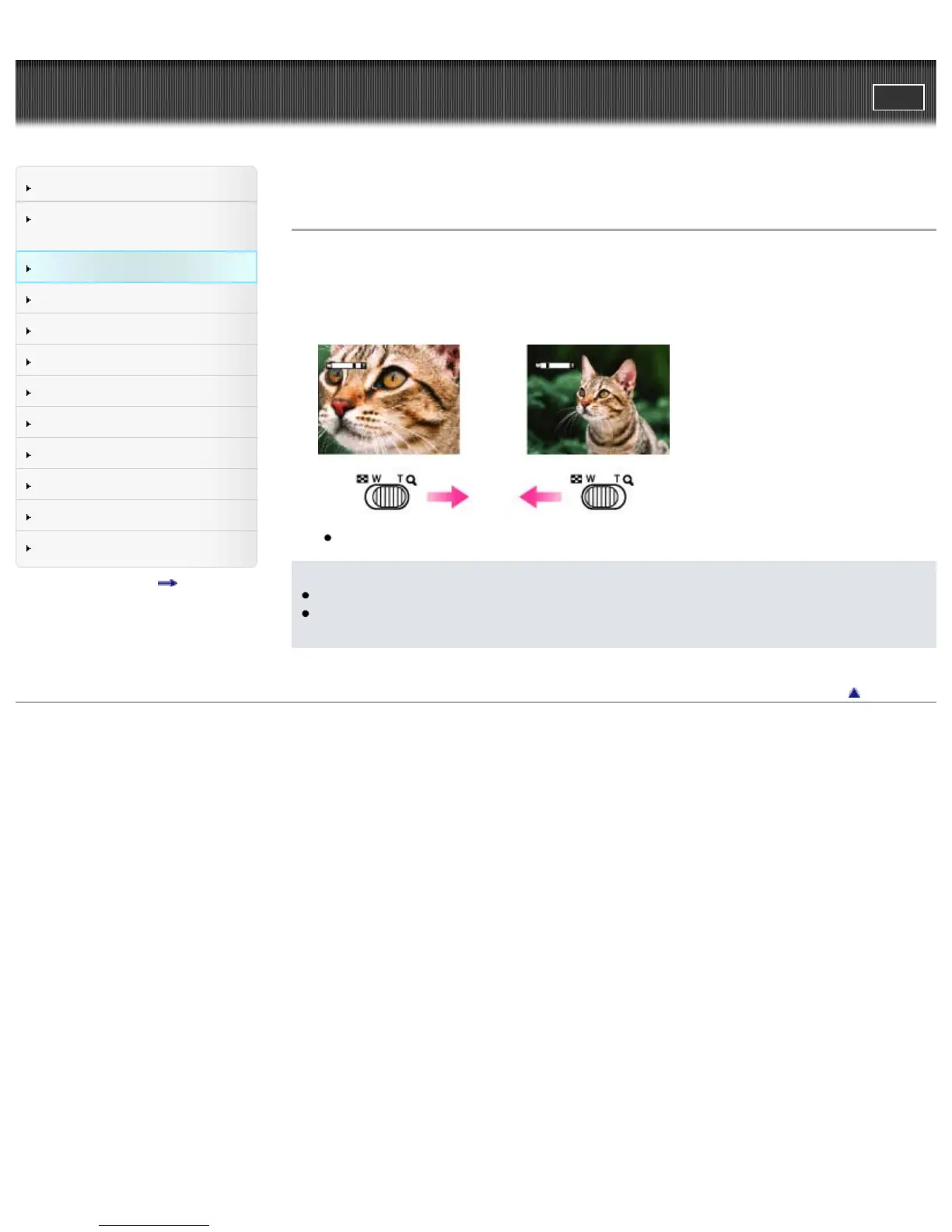
You can enlarge the image when shooting. The camera’s optical zoom function can enlarge images up
to 4×.
1. Move the W/T (zoom) lever.
Move the W/T (zoom) lever to the T side to zoom in, W side to zoom out.
When the zoom scale exceeds 4×, set [Digital Zoom]. [Details]
Notes
Zoom is locked to the W side in Sweep Panorama mode or Magnifying Glass mode.
The operating sound of the lever may be recorded when the zoom function operates while shooting
a movie.
Back to top
Copyright 2013 Sony Corporation



 To Next Page