Cyber-shot User Guide
PrintSearch
Before Use
Confirming the operation
method
Shooting
Viewing
Useful shooting functions
Useful viewing functions
Changing settings
Viewing images on a TV
Using with your computer
Printing
Troubleshooting
Precautions/About this camera
Contents list
Top page > Shooting > Selecting the shooting mode based on the subject > REC Mode
REC Mode
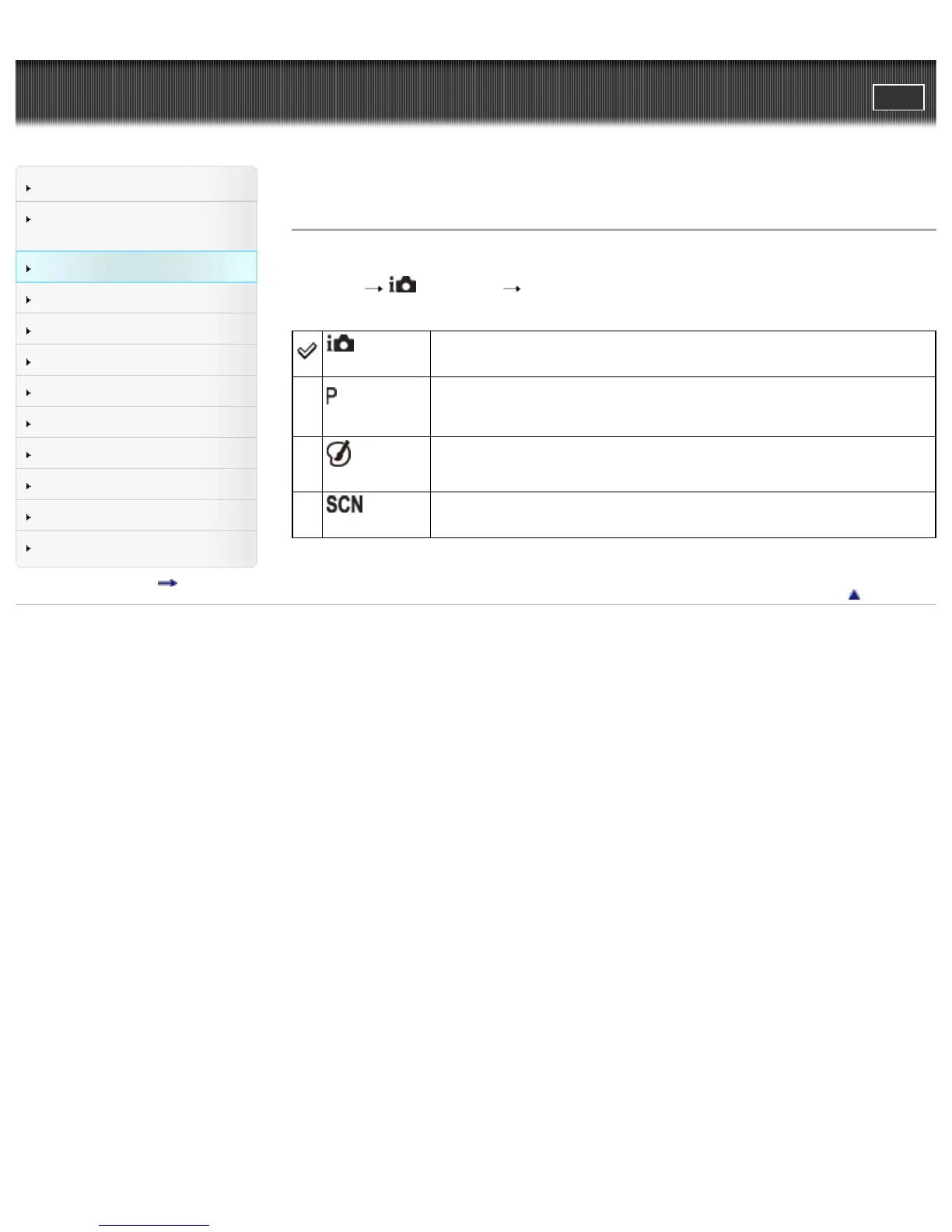
You can select the still image shooting mode when the shooting mode is set to [Still Image].
1. MENU
(REC Mode) desired mode
(Intelligent
Auto)
Allows you to shoot with the setting adjusted automatically. [Details]
(Program
Auto)
Allows you to shoot with the exposure adjusted automatically (both the shutter
speed and the aperture value). [Details]
Also you can select various settings using the menu.
(Picture
Effect)
Allows you to shoot a still image with original texture, according to the desired
effect. [Details]
(Scene
Selection)
Allows you to shoot with preset settings according to the scene. [Details]
Back to top
Copyright 2013 Sony Corporation



 To Next Page