18
GB
Shooting/viewing images
oo
n
v
ew
n
ma
es
Shooting images
1
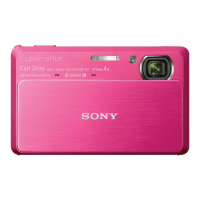
Lower the lens cover.
The camera is turned on.
• To shoot movies, set (REC
Mode) to (Movie Mode)
(page 33).
2
Hold the camera
steady as illustrated.
• Slide the zoom (W/T) lever to
the T side to zoom.
Slide to the W side to return.
3
Press the shutter
button halfway down
to focus.
is displayed to indicate that
SteadyShot is working. When the
image is in focus, a beep sounds
and the z indicator lights.
• The shortest shooting distance
is approximately 1 cm (13/32
inches) (W)/50 cm (19 3/4
inches) (T) (from the lens).
4
Press the shutter
button fully down.
The image is shot.
Lens cover
Zoom (W/T) lever
SteadyShot
mark
Shutter button
AE/AF lock










 To Next Page