46
GB
an
n
camera se
n
s
Changing the operation sounds
Selects or turns off the sound produced when you operate the camera.
1
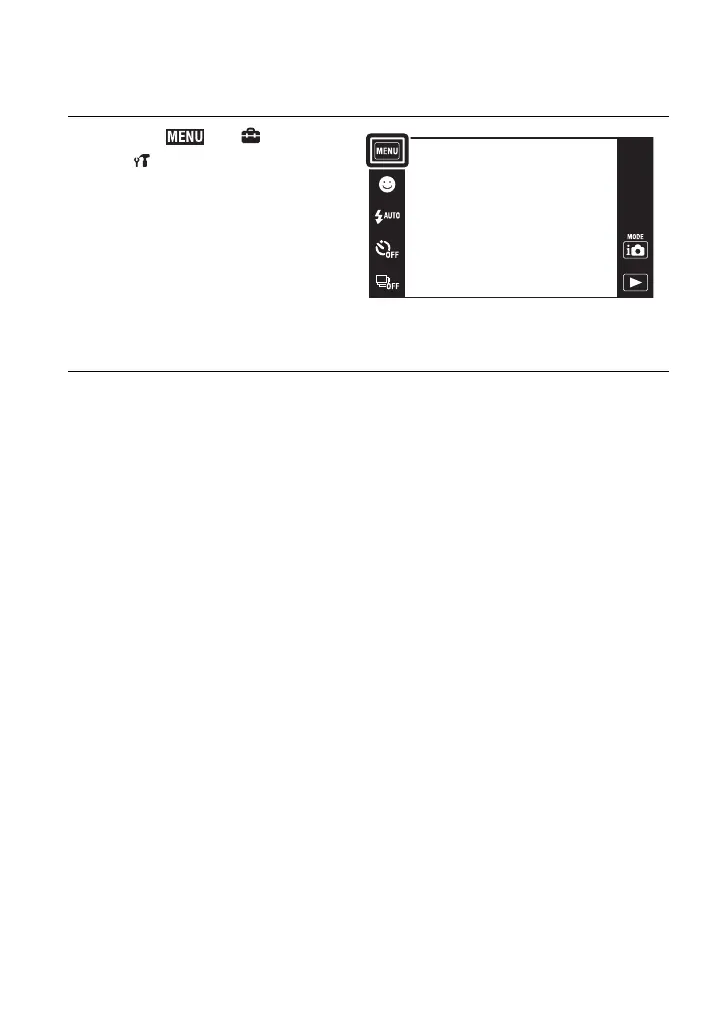
Touch t (Settings)
t (Main Settings) t
[Beep] t desired mode.
Shutter: Turns on the shutter sound
when you press the shutter button.
High/Low: Turns on the beep/shutter
sound when you operate the touch
panel/press the shutter button. If you
want to lower the volume, select
[Low].
Off: Turns off the beep/shutter sound.











 To Next Page