36
GB
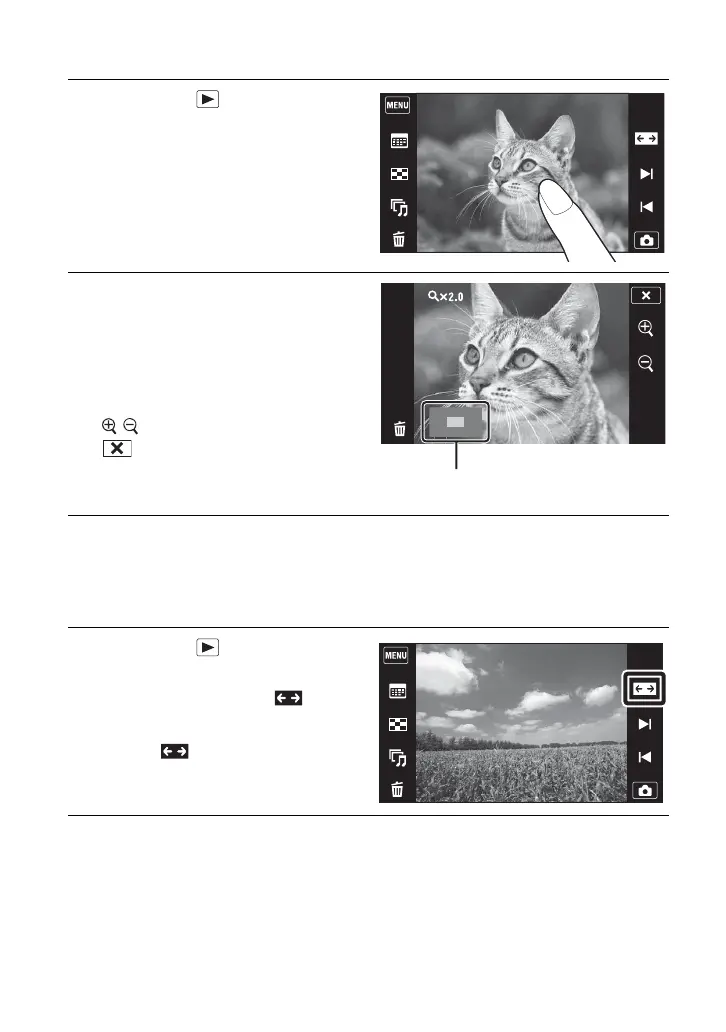
Viewing an enlarged image (Playback Zoom)
Displaying images full-screen (Wide Zoom)
1
Press the (Playback)
button to display an image,
then touch the area you want
to enlarge.
The image is enlarged at twice the size,
with the area you touched at the center.
2
Adjust the zoom scale and
position.
The zoom scale increases each time you
touch the screen.
Drag up/down/right/left: Changes the
zoom position.
: Changes the zoom scale.
: Cancels playback zoom.
1
Press the (Playback)
button to display the still
image, then touch (Wide
Zoom).
• Touch again to end the wide
zoom.
Shows the displayed area of the whole
image











 To Next Page