Help Guide
In-Car Receiver
DSX-B700/DSX-B700W/DSX-B710D
Playing a BLUETOOTH Device
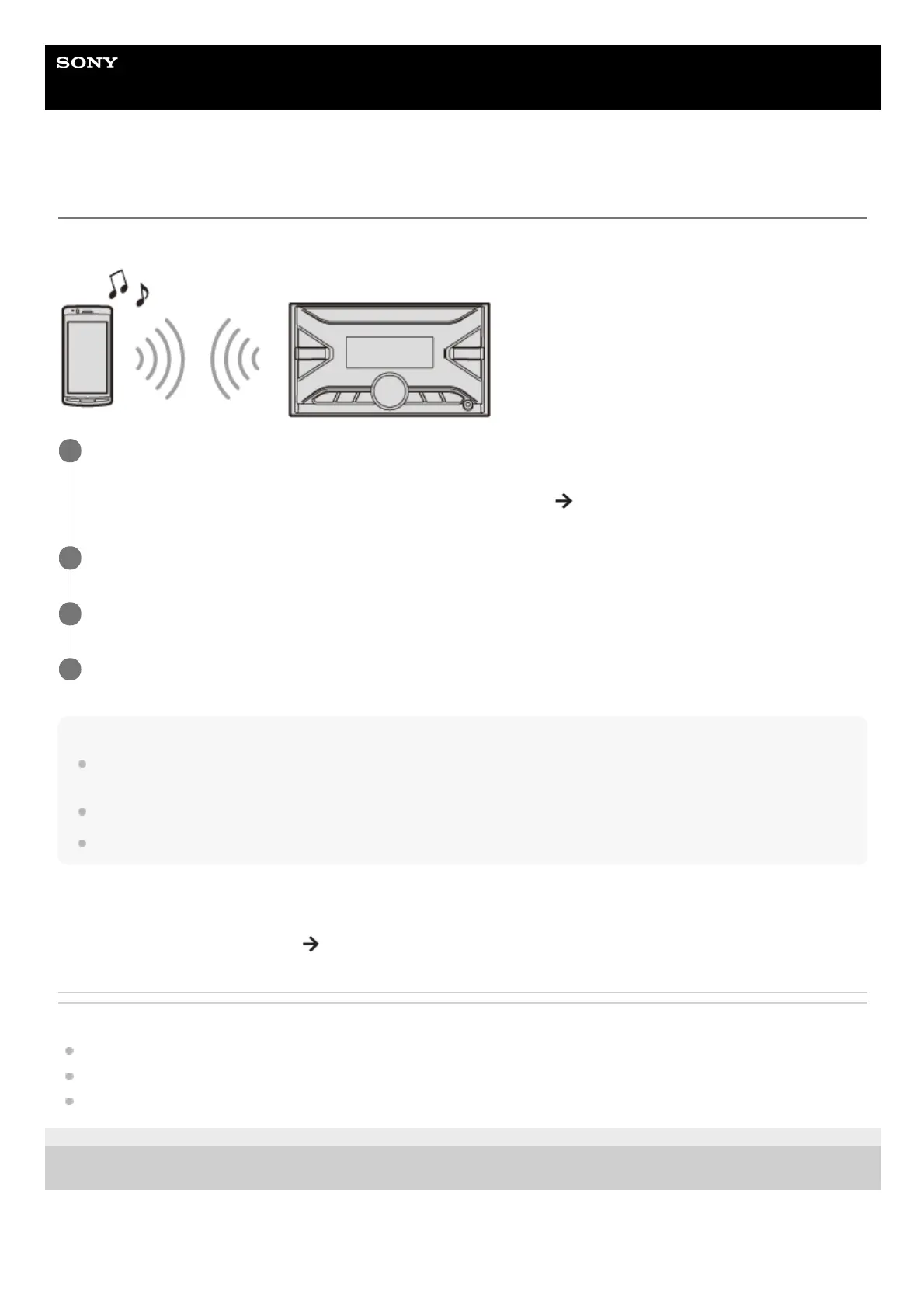
You can play contents on a connected device that supports BLUETOOTH A2DP (Advanced Audio Distribution Profile).
Note
Depending on the audio device, information such as title, track number/time and playback status may not be displayed on this
unit.
Even if the source is changed on this unit, playback of the audio device does not stop.
[BT AUDIO] does not appear in the display while running the “Sony | Music Center” application via the BLUETOOTH function.
To match the volume level of the BLUETOOTH device to other sources
Start playback of the BLUETOOTH audio device at a moderate volume, and set your usual listening volume on the unit.
Press MENU, then select [SOUND]
[BTA VOLUME].
Related Topic
Connecting with a Paired BLUETOOTH Device
Sound Setup (SOUND)
BLUETOOTH Setup (BLUETOOTH)
5-004-923-11(3) Copyright 2019 Sony Corporation
Make BLUETOOTH connection with the audio device.
See “Connecting with a Paired BLUETOOTH Device”.
To select the audio device, press MENU, then select [BLUETOOTH]
[AUDIO DEV].
1
Press SRC (source) to select [BT AUDIO].
2
Operate the audio device to start playback.
3
Adjust the volume on this unit.
4



 To Next Page