Congratulations on purchasing the World’s Fastest Rapid Fire, Fact! We are sure you will love all
the Arbiter 3 has to offer, and we are always welcome of suggestions on improvements and
extra features if you find anything is missing, so don’t hesitate to get it touch.
Getting to know your controller
At first you may be wondering how on earth the A3 works when there appears to be no extra
buttons, holes, or anything out of the ordinary from the outside. Well, the A3 is totally stealth
which means unless you know it is there and you want to use it, you wouldn’t otherwise know it
was there.
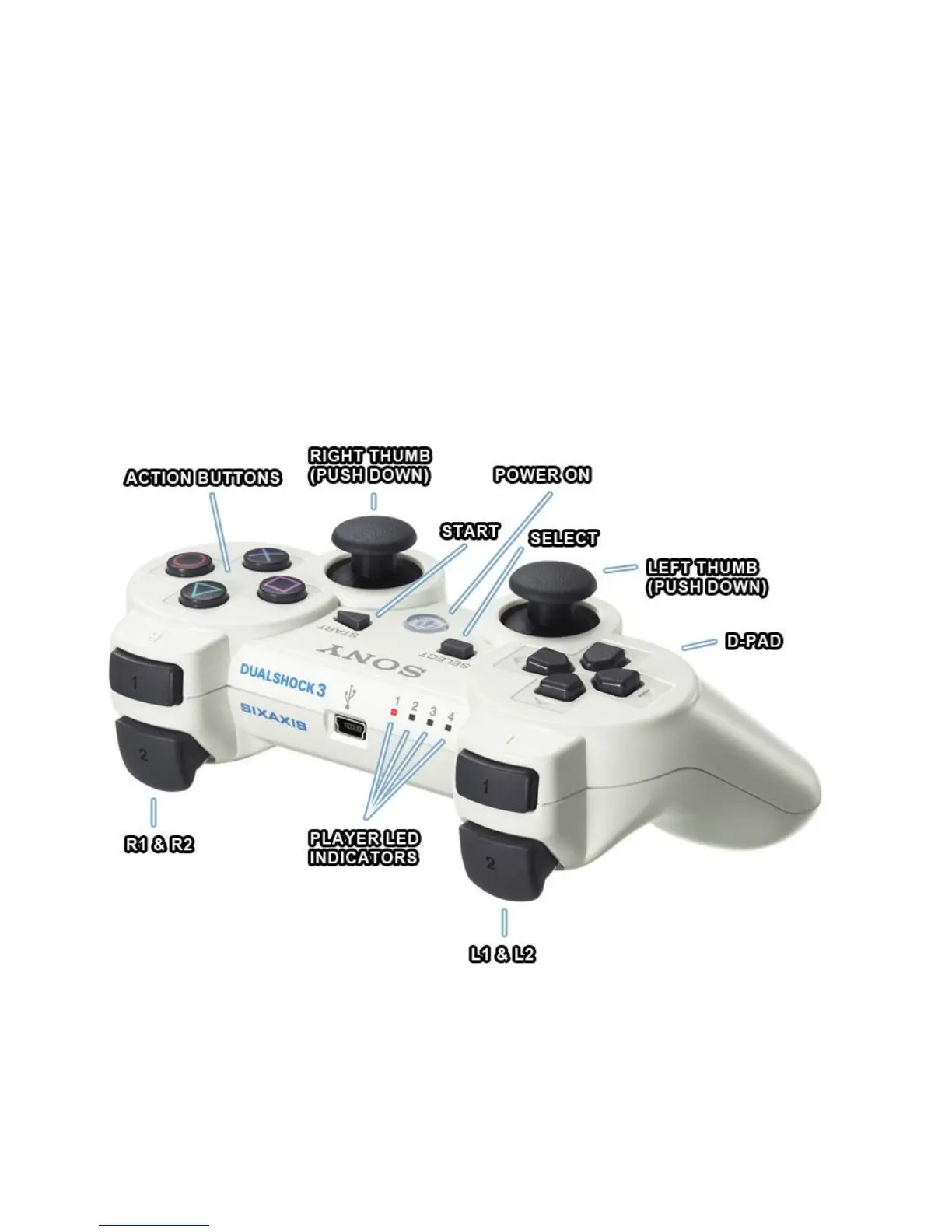
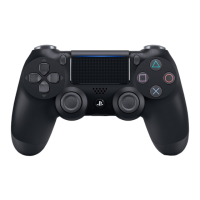
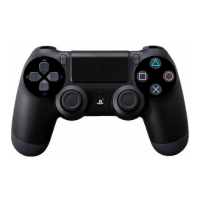
The A3 is turned on and configured primarily with the R1, Start and Left D-Pad buttons, with
more advanced features described later using other buttons too.
r
= R1
R
= R2
l
= L1
L
= L2
A
= Start
b
= Select
1234
= D-Pad Direction Buttons
XSCT
= Action Buttons






 To Next Page