Devices and connection methods required for a network connection vary depending on how your
network is set up. Be sure to also refer to the instructions supplied with your network devices.
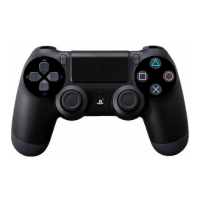
Connecting the controller
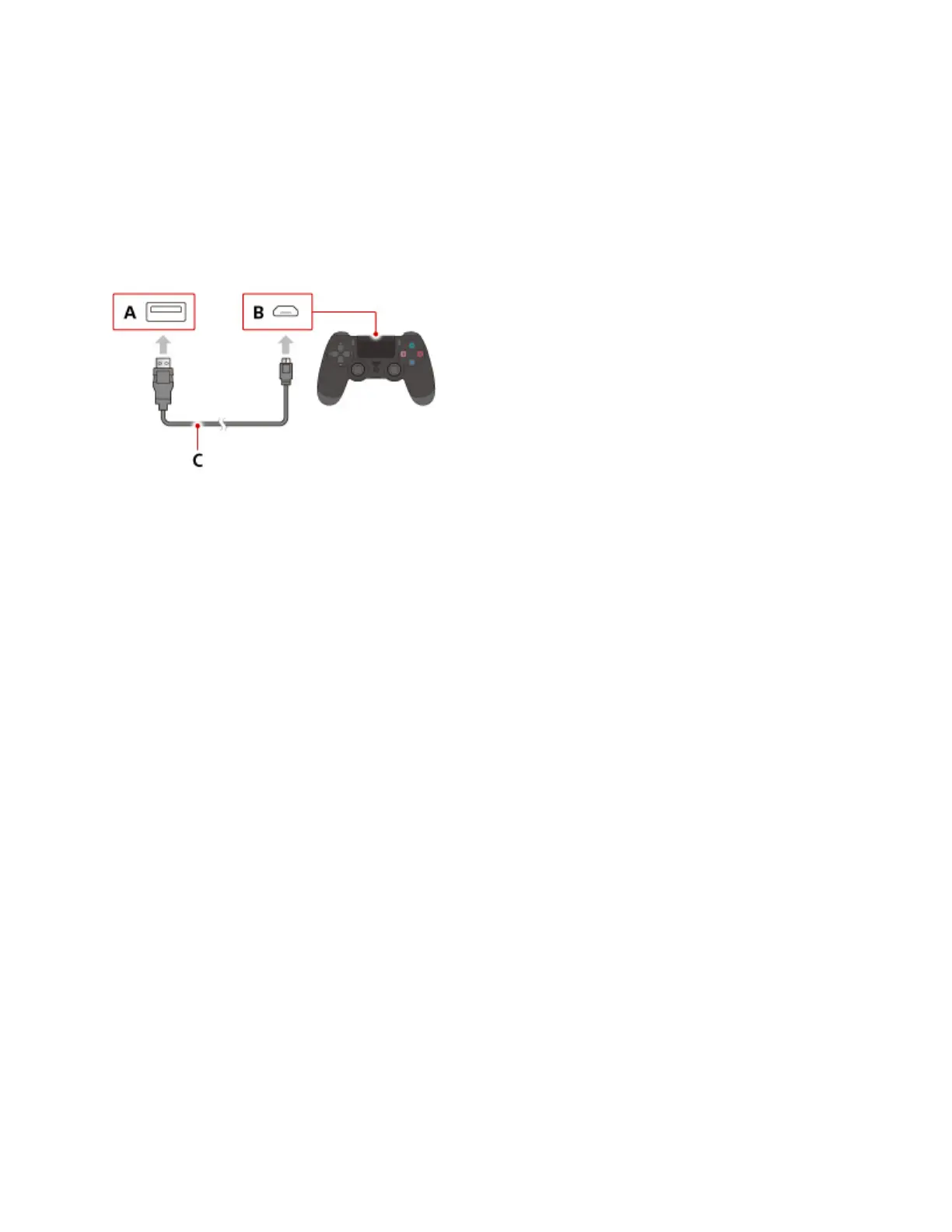
Connect the controller with a USB cable to pair it with your system.
A )
USB port (PS4™ system)
B )
USB port (controller)
C )
USB cable
Turning your PS4™ system on and off
Turning on your system
You can turn on your PS4™ system in either of the following ways.
Press the power button.
Press the PS button on a paired controller.
The power indicator blinks blue and then turns white to let you know your system is on.
Turning off your system
Notice







 To Next Page