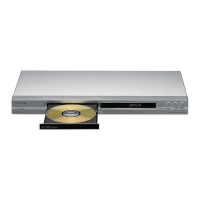
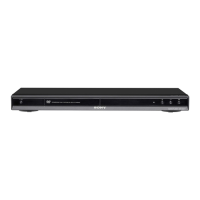
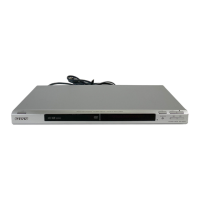
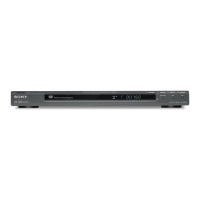
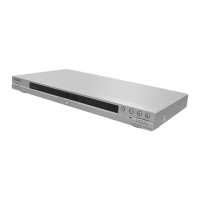
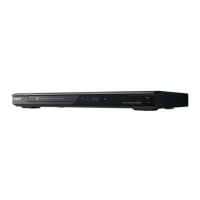
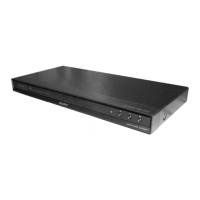
DVD Player
• Precision scan output (480p)
• Precision Drive™ 3 System compensates for flaws in DVD discs
• DVD-RW/-R (Video Mode) DVD+RW/+R DVD-VR (VR Mode-W/CPRM)Playback
• JPEG/MP3/CD-R/CD-RW Playback*
• 12 Bit Video DAC with 54Mhz Processing
• Dolby® Digital and dts® Decoding Compatible
• 96 kHz/24 bit Digital Output
• Multi-Disc Resume -6 disc
Precision Cinema Progressive™ Technology Other DVD players detect image changes at the scan line level-Sony's Precision Cinema
Progressive (PCP) system detects them at the pixel level. The picture is more faithful to the source-whether film or video-because
separate, optimized algorithms are used to handle the differing pixel behavior. Separate algorithms are also used to process the moving
and still parts of an image, resulting in sharp backgrounds with moving objects that are free from motion artifacts.
Precision Drive™ 3 System Past generations of Precision Drive were only able to compensate for warped discs by moving the entire
optical block, which took more time and limited the amount of correction possible. Sony's new Precision Drive™ 3 system simplifies the
process by moving the lens-instead of the entire optical block-for faster and more accurate error correction.
MP3 Playback Playing MP3 Music on a Sony DVD player is easy. Just insert an MP3 encoded disc and press MENU. A blue screen pops
up to display your folders. Scroll down the list using the remote or front panel cursor control to select the folder you want. The green files
screen pops up to show the files in the selected folder. Select the file you want to hear and you're done. Finding music couldn't be easier.
DVP-NS575P/B

 Need help?
 General

 To Next Page