EasyManua.ls Logo

Sony DVP-NS51P - User Manual

Sony DVP-NS51P
113 pages
Print Icon
To Next Page IconTo Next Page
Loading...
CD/DVD PLAYER
SERVICE MANUAL
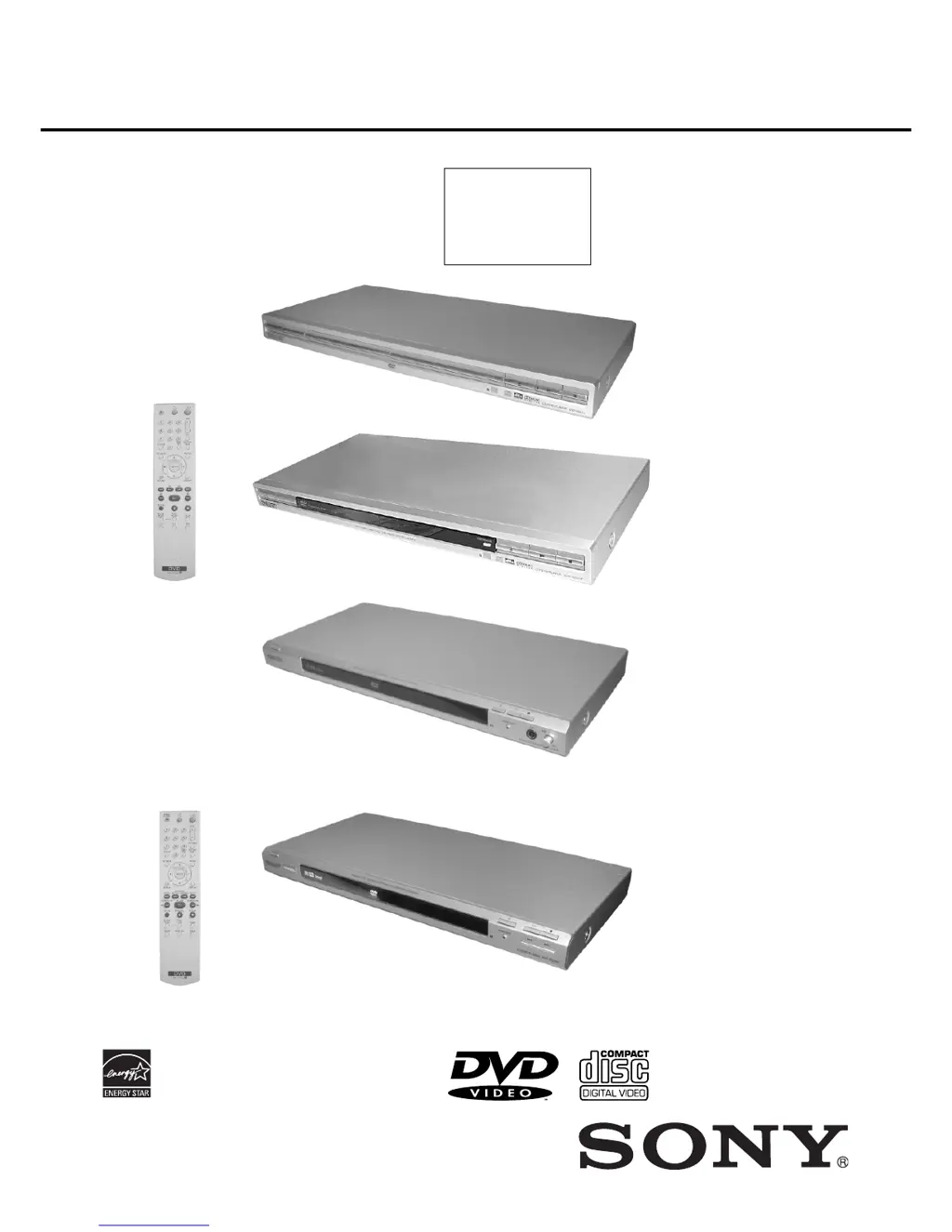
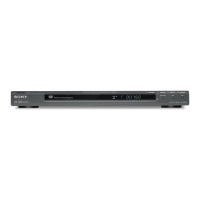
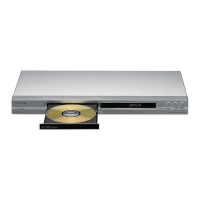
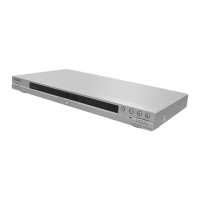
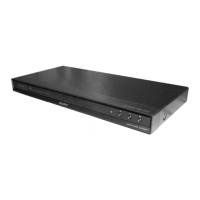
Photo : DVP-NS15
DVP-NS15/NS51P/NS43P/NS53P/K56P
RMT-D175A
AEP Model
UK Model
DVP-NS15
Chinese Model
DVP-NS51P
Argentina Model
Brazilian Model
DVP-NS43P/NS53P
Singapore Model
Saudi Arabia Model
DVP-NS51P/K56P
Mexican Model
E Model
DVP-NS53P
Russian Model
DVP-K56P
Taiwan Model
DVP-K56P/NS51P
Australian/New Zealand Model
India Model
IND,PAK,MAR Model
Iran Model
Middle East Model
Korean Model
Malaysian Model
Hong Kong Model
Vietnam Model
DVP-NS51P
Photo : DVP-NS43P/NS53P
RMT-D175A
RMT-D175P
This manual have
three different type
of DVD player
appearance/structure .
Please take note.
Notes: Australia/NZ model only
Photo : DVP-K56P
Photo : DVP-NS51P
/RMT-D175C/RMT-D175P

Table of Contents

Questions and Answers

  • J
    Jimmy HerreraAug 18, 2025
    Why is my Sony DVD Player remote not working?
    • D
      Douglas HebertAug 19, 2025
      Several factors can cause the remote to malfunction. The batteries might be weak, or there could be obstacles blocking the path between the remote and the player. Also, ensure you are not too far from the player and that you are pointing the remote directly at the remote sensor on the player.
  • C
    Christopher GibsonAug 21, 2025
    How to fix no picture on Sony DVP-NS51P?
    • E
      Ebony HumphreyAug 21, 2025
      If there's no picture or picture noise, the connecting cords may be damaged, so try reconnecting them securely. Ensure the connection to your TV is correct and switch the input selector on your TV to the correct signal from the player. If connected to COMPONENT VIDEO OUT jacks, and “PROGRESSIVE AUTO” or “PROGRESSIVE VIDEO” is selected, but your TV doesn't support progressive signal, select “NORMAL (INTERLACE)”. If connected to LINE OUT or S VIDEO OUT jacks, press the PROGRESSIVE button until the picture appears. The disc might also be dirty or flawed.
  • A
    alexandergilbertAug 23, 2025
    What to do if my Sony DVD Player disc does not play?
    • D
      david45Aug 23, 2025
      First, make sure the disc is inserted correctly with the playback side facing down. The player might not be able to play certain discs, or the region code on the DVD might not match the player. The player cannot play a recorded disc that is not correctly finalized.
  • J
    Jeremy SanchezAug 26, 2025
    Why does my Sony DVP-NS51P stop playing automatically?
    • D
      Dr. Jamie Rodriguez MDAug 26, 2025
      While playing discs with an auto pause signal, the player stops playback at the auto pause signal.
  • J
    Jessica RyanAug 28, 2025
    Why are some playback functions not working on my Sony DVP-NS51P DVD Player?
    • Q
      qmaynardAug 28, 2025
      Depending on the disc, you may not be able to perform some operations.
  • J
    Joseph SmithAug 30, 2025
    Why can't I change the audio language on my Sony DVP-NS51P?
    • D
      Deanna HenryAug 30, 2025
      Try using the DVD’s menu instead of the direct selection button on the remote. Multilingual tracks may not be recorded on the DVD, or the DVD might prohibit changing the language for the sound track.
  • S
    Shawn LoganSep 1, 2025
    Why can't I play MP3 on Sony DVD Player?
    • K
      Kimberly MasonSep 1, 2025
      The DATA CD might not be recorded in an MP3 format that conforms to ISO 9660 Level 1/Level 2 or Joliet, or the DATA DVD is not recorded in MP3 format that conforms to UDF (Universal Disk Format). The MP3 audio track might not have the extension “.MP3.” or the data might not be formatted in MP3 even though it has the extension “.MP3.” Also, the data might not be MPEG-1 Audio Layer III data, the player cannot play audio tracks in mp3PRO format, or “MODE (MP3, JPEG)” is set to “IMAGE (JPEG)”.
  • L
    Luis GutierrezSep 4, 2025
    Why my Sony DVP-NS51P cannot play JPEG files?
    • R
      Ronald MannSep 4, 2025
      The DATA CD might not be recorded in a JPEG format that conforms to ISO 9660 Level 1/Level 2, or Joliet, or the DATA DVD is not recorded in JPEG format that conforms to UDF (Universal Disk Format). The file might have an extension other than “.JPEG” or “.JPG.”, the image is larger than 3072 (width) × 2048 (height) in normal mode, or more than 3,300,000 pixels in progressive JPEG, the image does not fit the screen (the image is reduced), or “MODE (MP3, JPEG)” is set to “AUDIO (MP3)”.
  • A
    Arthur PhillipsSep 6, 2025
    What does 'Data error' mean on Sony DVP-NS51P DVD Player?
    • F
      Fernando TurnerSep 6, 2025
      The MP3 audio track/JPEG image file you want to play might be broken, or the data is not MPEG-1 Audio Layer III data.
  • S
    Samantha MartinSep 8, 2025
    Why does my Sony DVP-NS51P DVD Player not start from the beginning?
    • J
      James MaciasSep 8, 2025
      Programme Play, Shuffle Play, Repeat Play, or A-B Repeat Play might be selected, or resume play has taken effect.

Summary

Specifications

System, Audio, Output, and General Specifications

Comprehensive technical details including system, audio, outputs, power, dimensions, and accessories.

Safety and Precautions

Safety Check-out, Leakage Tests, and Warnings

Procedures for safe operation, electrical testing, and general safety advice.

Disassembly Procedures

Content Navigation and Media Playback

Troubleshooting and Maintenance

Troubleshooting, Self-Diagnosis, and Glossary

Resolving common issues, understanding error codes, and defining terms.

Block Diagrams and Schematics

Test Modes and Adjustments

Diagnostic Test Modes and Procedures

Procedures for IOP measurement, history checks, and self-diagnostics.

Repair Parts List

Sony DVP-NS51P Specifications

General IconGeneral
BrandSony
ModelDVP-NS51P
CategoryDVD Player
LanguageEnglish

Related product manuals