3-4
DXC-D35/D35WS(UC)
DXC-D35P/D35WSP(CE) V1
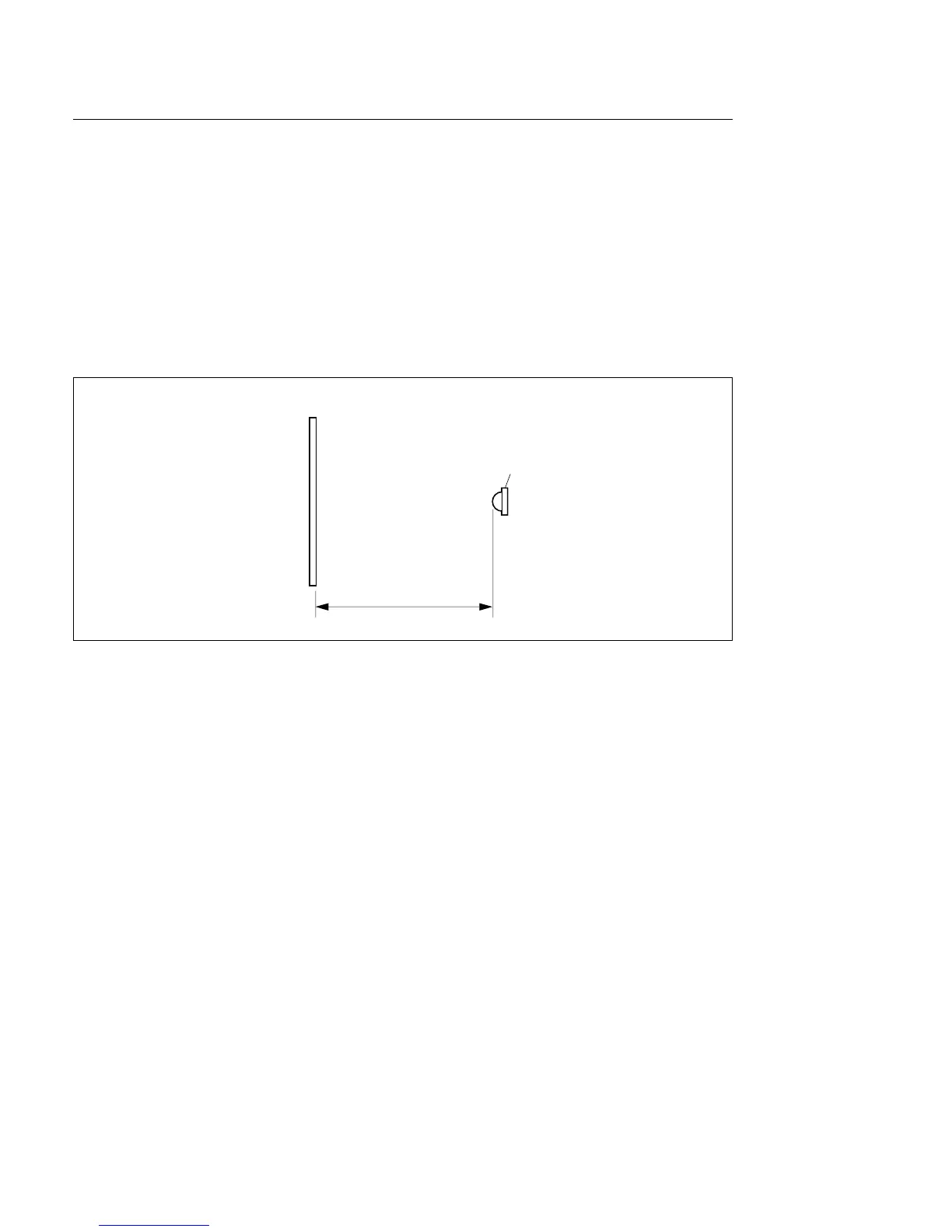
Chart
Luminance meter
1 m
Setting luminous intensity (when the transparent chart is used)
Equipment: Luminance meter (Minolta LS-110 or equivalent. Calibrated.)
1. Light the pattern box and warm up for about 30 minutes.
2. Place the pattern box where the chart is not exposed to light, such as a darkroom.
(Or cover the pattern box with a cover whose inside is painted in black.)
3. Place the luminance meter facing straight to the chart at a distance of 1 m from it.
4. Adjust the luminance control of the pattern box so that the white portion in the center of the chart is
573 ±6 cd/m
2
.
n
This corresponds to the luminous intensity on the 89.9 %-reflective chart at 2000 lx.
3-1. Preparation



 To Next Page