2-19
DXC-D35/D35WS(UC)
DXC-D35P/D35WSP(CE) V1
..
..
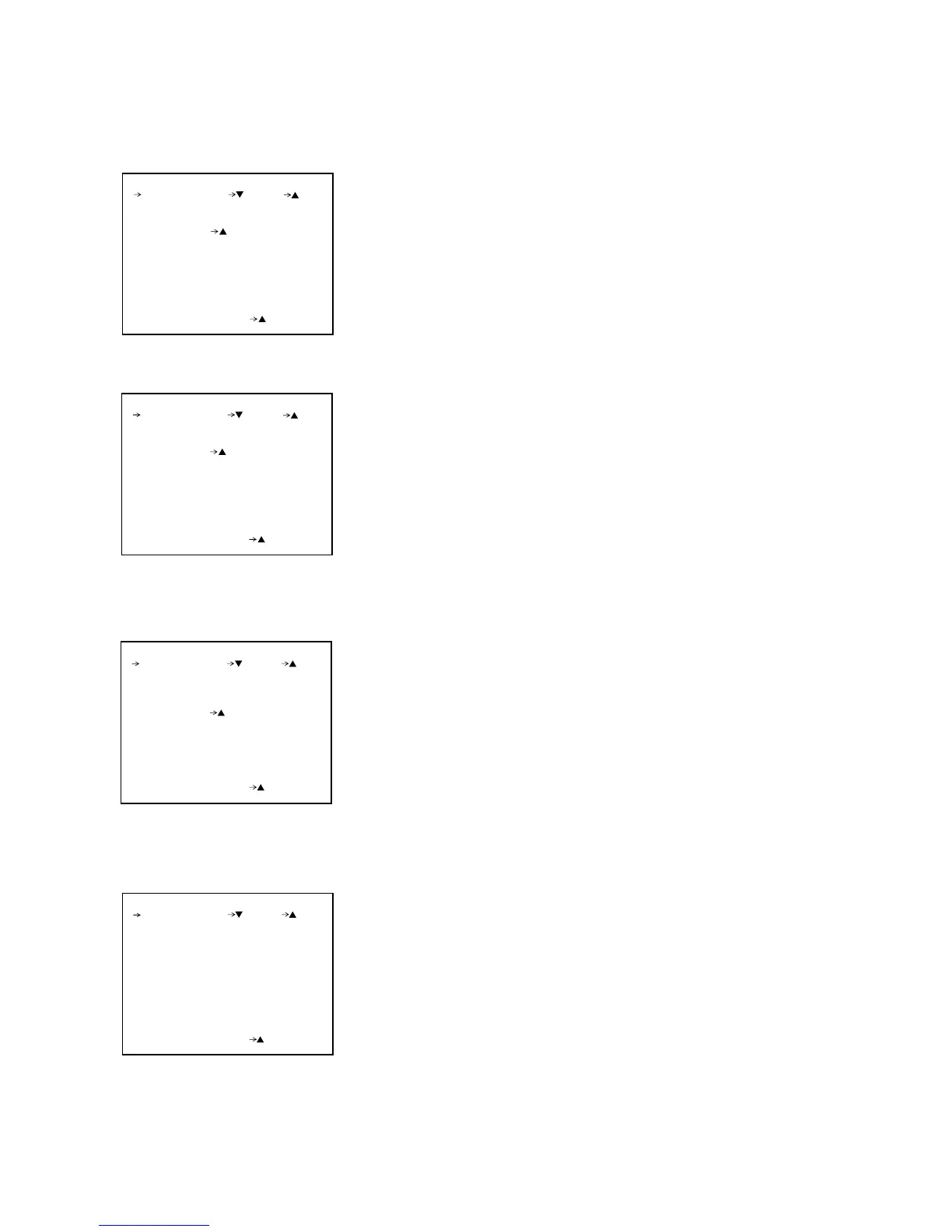
. Page 1 RESET
(For DXC-D35/D35WS)
Adjusting values such as the electronic volume control of each board except
the values differ in every unit can be restored to their standard setting
values.
Move the cursor to “DEST” position, select “UC,” and move the cursor to
“RESET,” then press UP/ON button twice.
..
..
. Page 2 Shading Correction
EXTENDER Current LENS EXTENDER status display
AUTO SHAD Performing of AUTO SHADING correction
R W.SHAD/G W.SHAD/B W.SHAD
White shading correction of V
Standard (correct.on 0) = 128
R FLARE Rch flare correction (0 = no correction) amount adjust-
ment
G FLARE Gch flare correction (0 = no correction) amount adjust-
ment
B FLARE Bch flare correction (0 = no correction) amount adjust-
ment
..
..
. Page 3 Flare Adjustment
(For DXC-D35P/D35WSP )
EXTENDER
AUTO SHAD
(YES )
R W. SHAD
G W. SHAD
B W. SHAD
OFF
128
128
128
:
:
:
PAGE2 (NEXT PREV )
EXIT MENU (YES )
EXIT MENU (YES )
PAGE1 (NEXT PREV )
RESET
(YES )
DEST : UC
ROM VER : ***
EXIT MENU (YES )
PAGE1 (NEXT PREV )
RESET
(YES )
ROM VER : ***
R FLARE
G FLARE
B FLARE
0
0
0
:
:
:
PAGE3 (NEXT PREV )
EXIT MENU (YES )
2-12. Service Mode Operation



 To Next Page