To record your screen
1
Press and hold down the power key until a prompt window appears.
2
Tap .
3
After the screen recording window opens, tap . The record screen function
starts and a timer button is displayed.
4
To stop the recording, tap the timer button, then tap .
To record your screen when the front camera is activated
1
When the screen recording window opens, tap . A window opens showing a
viewfinder for the front camera.
2
To start recording your screen and video captured by the front camera, tap .
3
To stop recording, tap the timer button, then tap
.
4
To close the front camera viewfinder window, tap .
To record a still photo using the front camera while you are recording the screen, drag in
the mini viewfinder to expand the view and then tap .
To view recent screen recordings
•
Drag the status bar downwards, then tap to view the most recent recordings of
your screen.
You can also view your screen recordings in the Album application.
Notifications
Notifications inform you of events such as new messages and calendar notifications
as well as activities in progress such as file downloads. Notifications appear in the
following places:
•
The status bar
•
The Notification panel
•
The lock screen
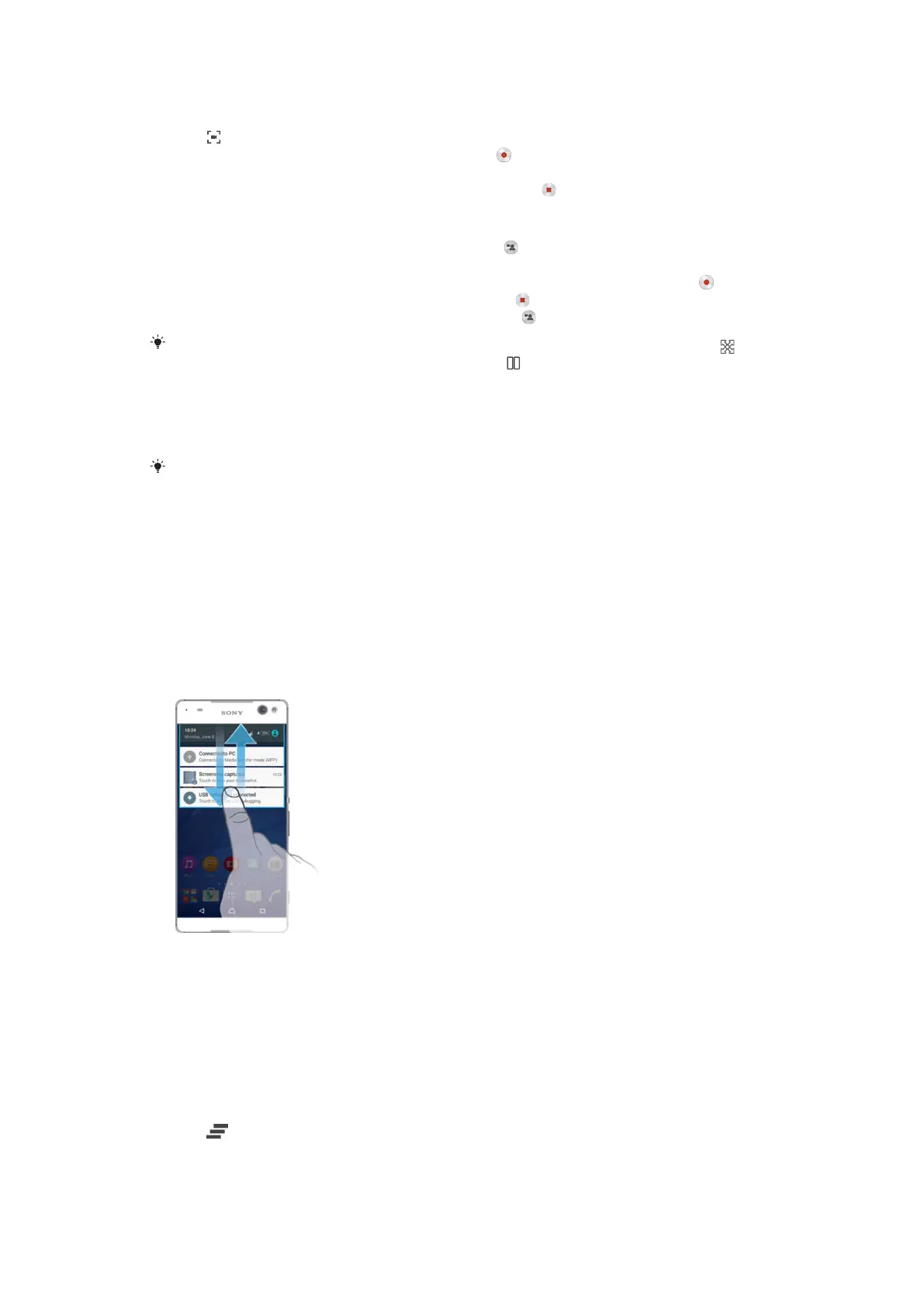
To open or close the Notification panel
1
To open the Notification panel, drag the status bar downwards.
2
To close the Notification panel, drag the panel upwards.
To take action on a notification in the Notification panel
•
Tap the notification.
To dismiss a notification from the Notification panel
•
Place your finger on a notification and flick left or right.
To clear all notifications from the Notification panel
•
Tap
.
To take action on a notification from the lock screen
•
Double-tap the notification.
23
This is an Internet version of this publication. © Print only for private use.







 To Next Page