EasyManua.ls Logo

Sony EV-C3 - Editing Techniques; EV-C3 Recorder with Another VCR (Control L); Assemble Editing with Control L Connector

Sony EV-C3
22 pages
Print Icon
To Previous Page IconTo Previous Page
Loading...
42
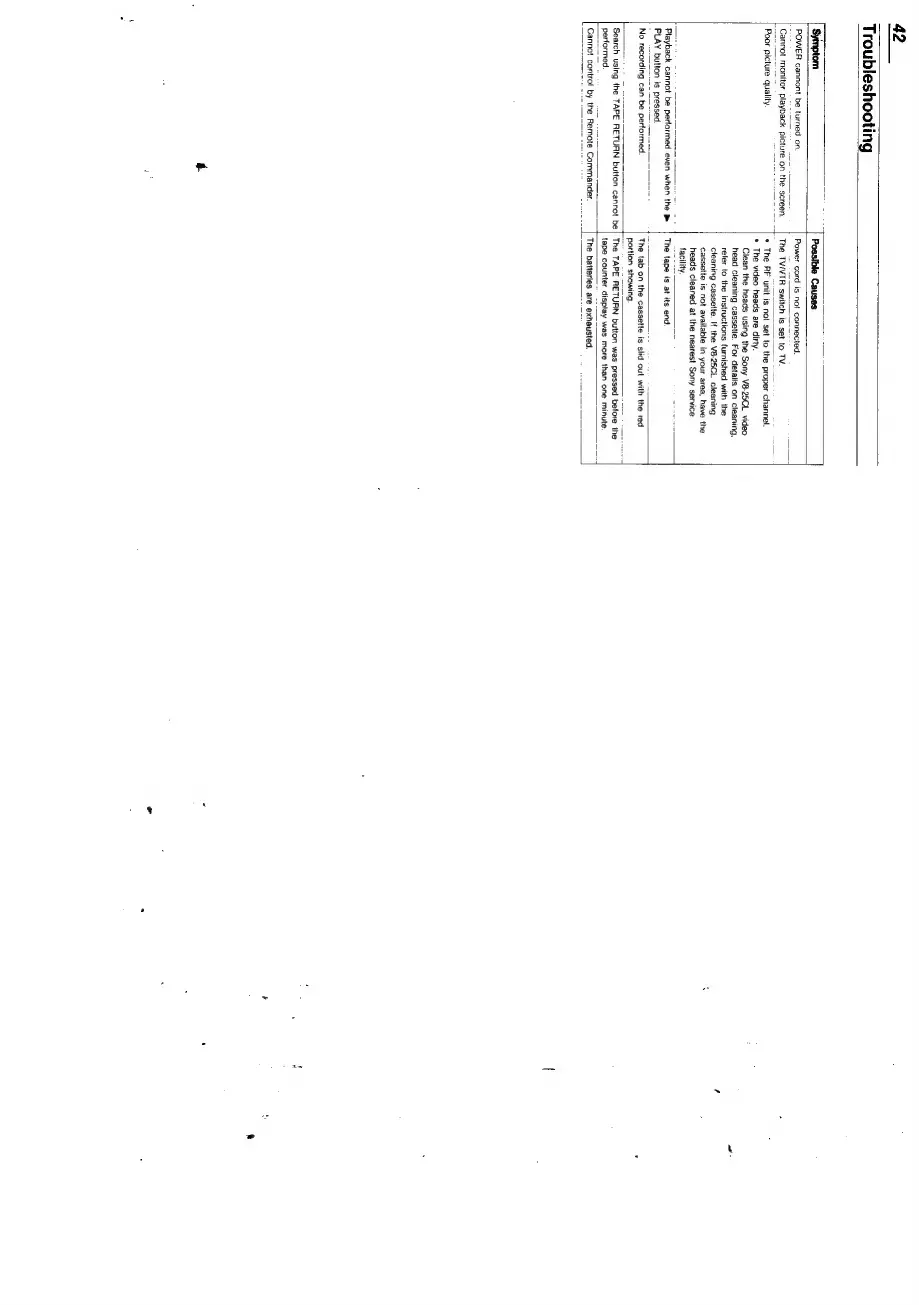
Troubleshooting
[
Symptom
Possible
Causes
POWER
cannont
be
turned
on.
Cannot
monitor
playback
picture
on
the
screen.
Poor
picture
quality.
“Playback
cannot
be
performed
even
when
the
PLAY
button
is
pressed.
No
recording
can
be
performed.
[
Search
using
the
TAPE
RETURN
button
cannot
be
performed
Power
cord
is
not
connected.
The
TVIVTR
switch
is
set
to
TV.
*
The
AF
unit
is
not set
to
the
proper
channel.
*
The
video
heads
are
dirty.
Clean
the
heads
using
the
Sony
V8-25CL
video
head
cleaning
cassette.
For
detaits
on
cleaning,
refer
to
the
instructions
furnished
with
the
cleaning
cassette.
If
the
V8-25CL
cleaning
cassette
is
not
available
in
your
area,
have
the
heads
cleaned
at
the
nearest
Sony
service
ry.
The
tape
is
at
its
end,
The
tab
on
the
cassette
is
slid
out
with
the
red
portion
showing.
The
TAPE
RETURN
button
was
pressed
before
the
tape
counter
display
was
more
than
one
minute.
The
batteries
are
exhausted.
Cannot
control
by
the
Remote
Commander,

Related product manuals