EasyManua.ls Logo

Sony EV-C3 - Page 3

Sony EV-C3
22 pages
Print Icon
To Next Page IconTo Next Page
To Previous Page IconTo Previous Page
Loading...
een
Table
of
Contents
Introduction
BAH
&
Remote
commander
—RMT-450.
10
Playing
back
a
tape...
212
Connection
(t)—to
a
TV
wi
12
Connection
(2)—to
a
TV
without
video
and
audio
inputs
14
Various
playback
modes
16
Use
of
the
tape
counter
whe
Fs
Recording
TV
programs
18
Editing
...
To
make
a
copy
of
the
tape
To
gather
desired
scenes
from
the
o1
tape
assemble
editi
To
re-record
new
scenes
onto
—insert
editing
.
Editing
with
the
video
editing
cont
Antenna
connection...
First
check
your
TV
.
Connecting
examples
Setting
the
RF
unit.
Troubleshooting
Overview
of
the
EV-C3
The
EV-C3
8
mm
recorder
enables
easy
editing
of
the
tape
recorded
by
your
8
mm
camera
fecorder
and
other
VCRs.
Employing
a
CONTROL
L
connector
and
a
CONTROL
$
IN
jack,
it
is
possible
to
perform
synchronized
edi
i
need
to
operate
two
VCRs
at
a
time
during
tape
editing.
Also,
it
is
possible
to
remotely
control
the
EV-C3
by
a
video
editing
controller
such
as
the
AM-
E100V.
You
will
be
able
to
record
in
both
SP
{standard
play)
mode
and
the
LP
(long
play)
mode.
However,
note
that
PCM
recording/playback
available
on
some
8
mm
recorders
is
not
possible
with
this
unit.
The
PCM
sound
recorded
or
after.
of
operation
expands
the
enjoyment
of
creating
your
own
video
program.
How
the
Manual
is
Organized
This
manual
is
arranged
to
help
you
find
the
information
you
need
for
the
operation
of
the
EV-
C3.
Take
a
moment
to
check
the
content
of
this
manual
in
the
Table
of
Contents.
Read
the
“Antenna
Connection”
and
“Setting
the
RF
Unit”
section
first
to
make
the
correct
connections
to
the
TV
unit
before
you
begin.
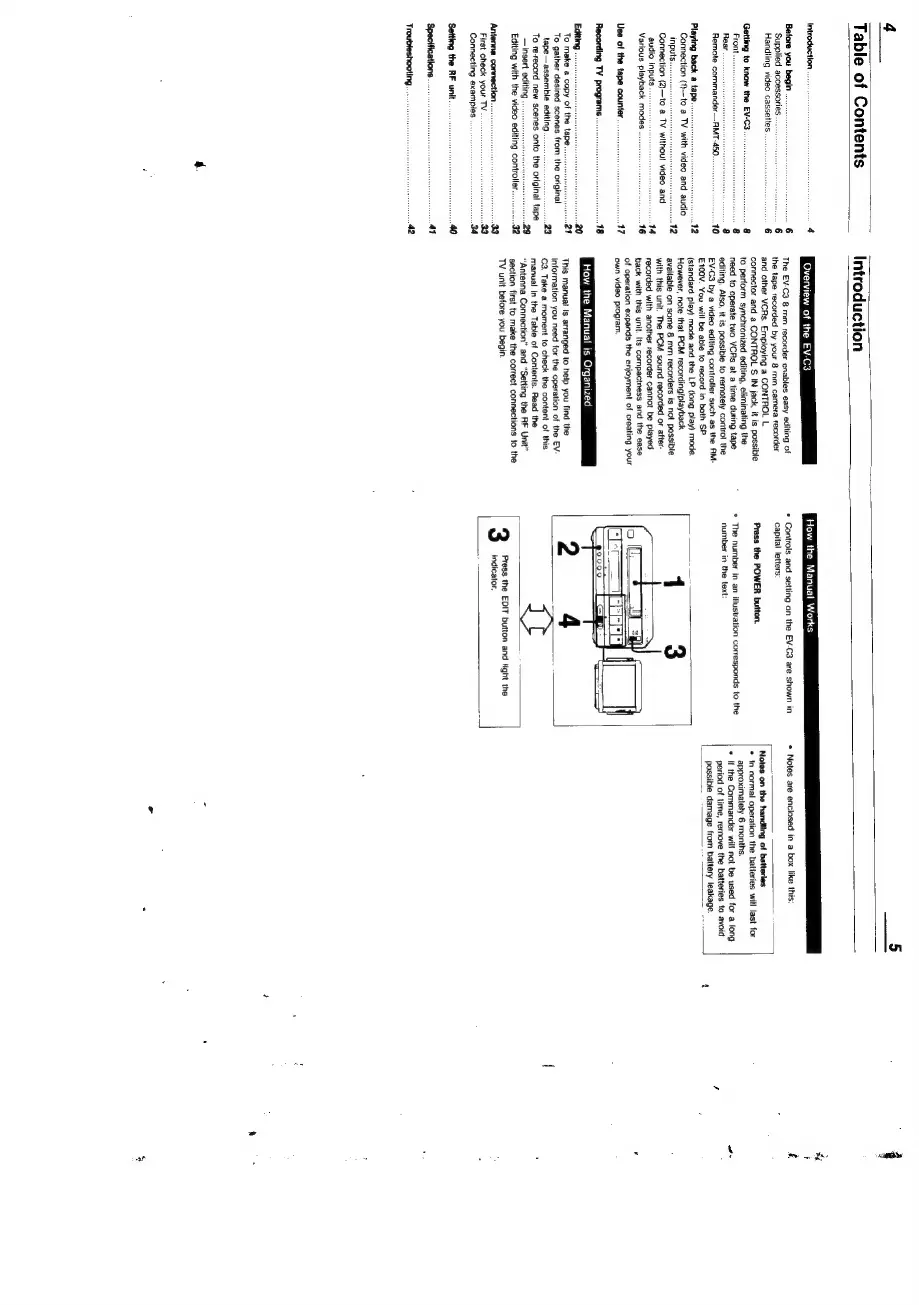
How
the
Manual
Works
*
Controls
and
setting
on
the
EV-C3
are
shown
in
capital
letters:
Press
the
POWER
button.
*
The
number
in
an
itlustration
corresponds
to
the
number
in
the
text:
Press
the
EDIT
button
and
tight
the
indicator.
*
Notes
are
enclosed
in
a
box
like
this:
Notes
on
the
handling
of
batteries
©
In
normal
operation
the
batteries
will
last
for
approximately
6
mai
.
«
If
the
Commander
will
not
be
used
for
a
long
period
of
time,
remove
the
batteries
to
avoid
possible
damage
from
battery
leakage.
Pe
ee
ah

Related product manuals