EasyManua.ls Logo

Sony EV-S350 - Various Playback Modes

Sony EV-S350
50 pages
Print Icon
To Next Page IconTo Next Page
To Previous Page IconTo Previous Page
Loading...
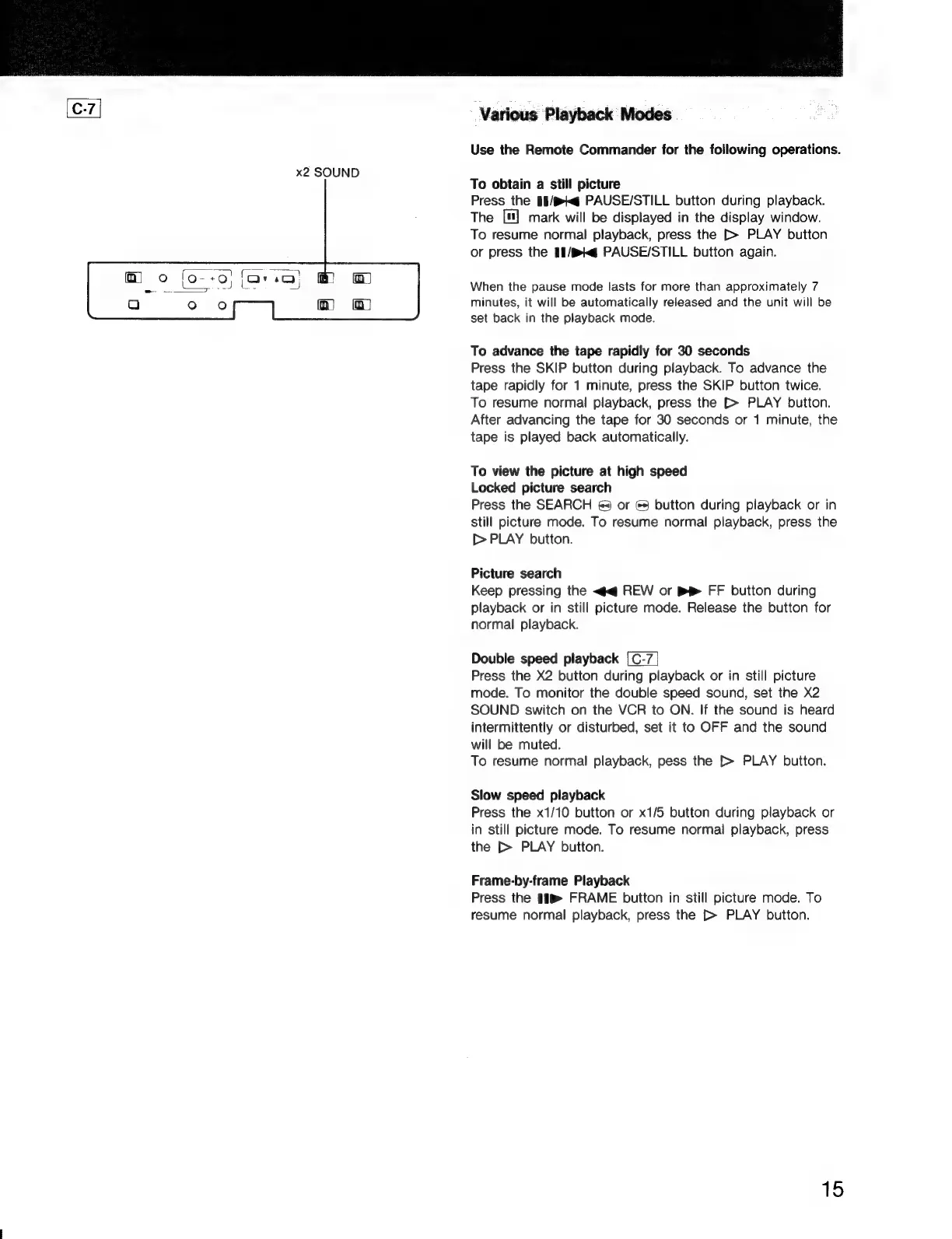
x2
SOUND
Various
Playback
Modes
Use
the
Remote
Commander
for
the
following
operations.
To
obtain
a
still
picture
Press
the
§1/@g
PAUSE/STILL
button
during
playback.
The
["]
mark
will
be
displayed
in
the
display
window.
To
resume
normal
playback,
press
the
[>
PLAY
button
or
press
the
1f/pq
PAUSE/STILL
button
again.
When
the
pause
mode
lasts
for
more
than
approximately
7
minutes,
it
will
be
automatically
released
and
the
unit
will
be
set
back
in
the
playback
mode.
To
advance
the
tape
rapidly
for
30
seconds
Press
the
SKIP
button
during
playback.
To
advance
the
tape
rapidly
for
1
minute,
press
the
SKIP
button
twice.
To
resume
normal
playback,
press
the
[>
PLAY
button.
After
advancing
the
tape
for
30
seconds
or
1
minute,
the
tape
is
played
back
automatically.
To
view
the
picture
at
high
speed
Locked
picture
search
Press
the
SEARCH
6&4)
or
©
button
during
playback
or
in
still
picture
mode.
To
resume
normal
playback,
press
the
[>
PLAY
button.
Picture
search
Keep
pressing
the
<q
REW
or
FF
button
during
playback
or
in
still
picture
mode.
Release
the
button
for
normal
playback.
Double
speed
playback
[C-7
Press
the
X2
button
during
playback
or
in
still
picture
mode.
To
monitor
the
double
speed
sound,
set
the
X2
SOUND
switch
on
the
VCR
to
ON.
If
the
sound
is
heard
intermittently
or
disturbed,
set
it
to
OFF
and
the
sound
will
be
muted.
To
resume
normal
playback,
pess
the
[>
PLAY
button.
Slow
speed
playback
Press
the
x1/10
button
or
x1/5
button
during
playback
or
in
still
picture
mode.
To
resume
normal
playback,
press
the
[>
PLAY
button.
Frame-by-frame
Playback
Press
the
#{®
FRAME
button
in
still
picture
mode.
To
resume
normal
playback,
press
the
[>
PLAY
button.
15

Related product manuals