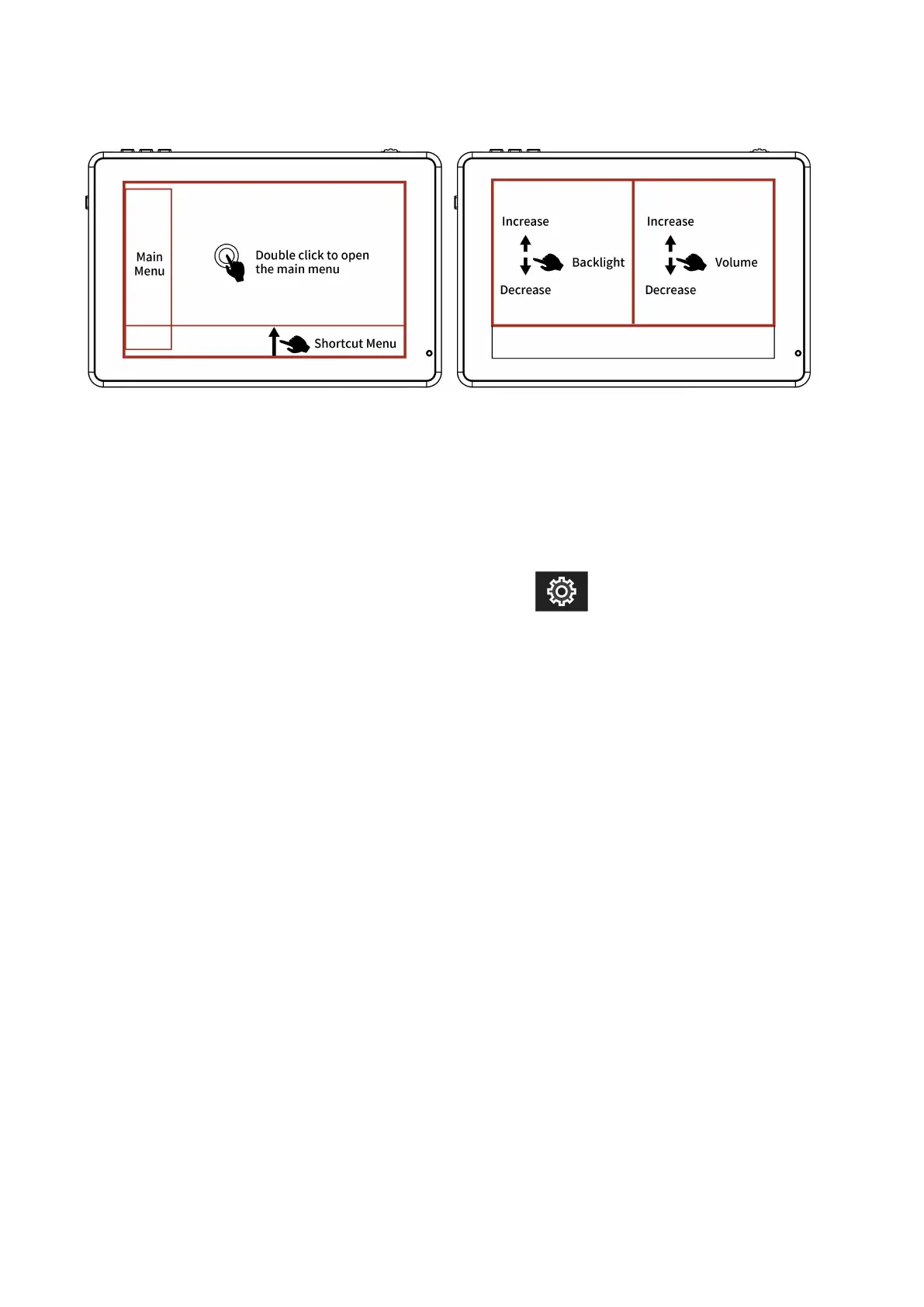
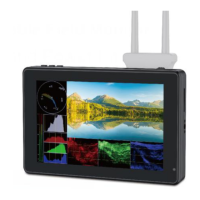
Figure:
2.2 MENU Wheel Menu Operation
①.When the menu is not displayed, directly rotate the wheel to
backlight or brightness adjustment. The wheel option can be set
to backlight or brightness in the menu .
②.Long press the MENU wheel to open the main menu (on the left
side of the screen). Rotate the wheel to select the secondary
function menu. After selecting it, press the wheel, then rotate the
wheel to select or set the option function.
③.Short press the MENU wheel to open the shortcut menu (below
the screen), rotate the wheel to select the shortcut menu option,
press the wheel to directly turn on/off the function, if you press
the parameter selection, repeat the above operation. The
shortcut menu will automatically exit after about 5 seconds
without operation.


 To Next Page