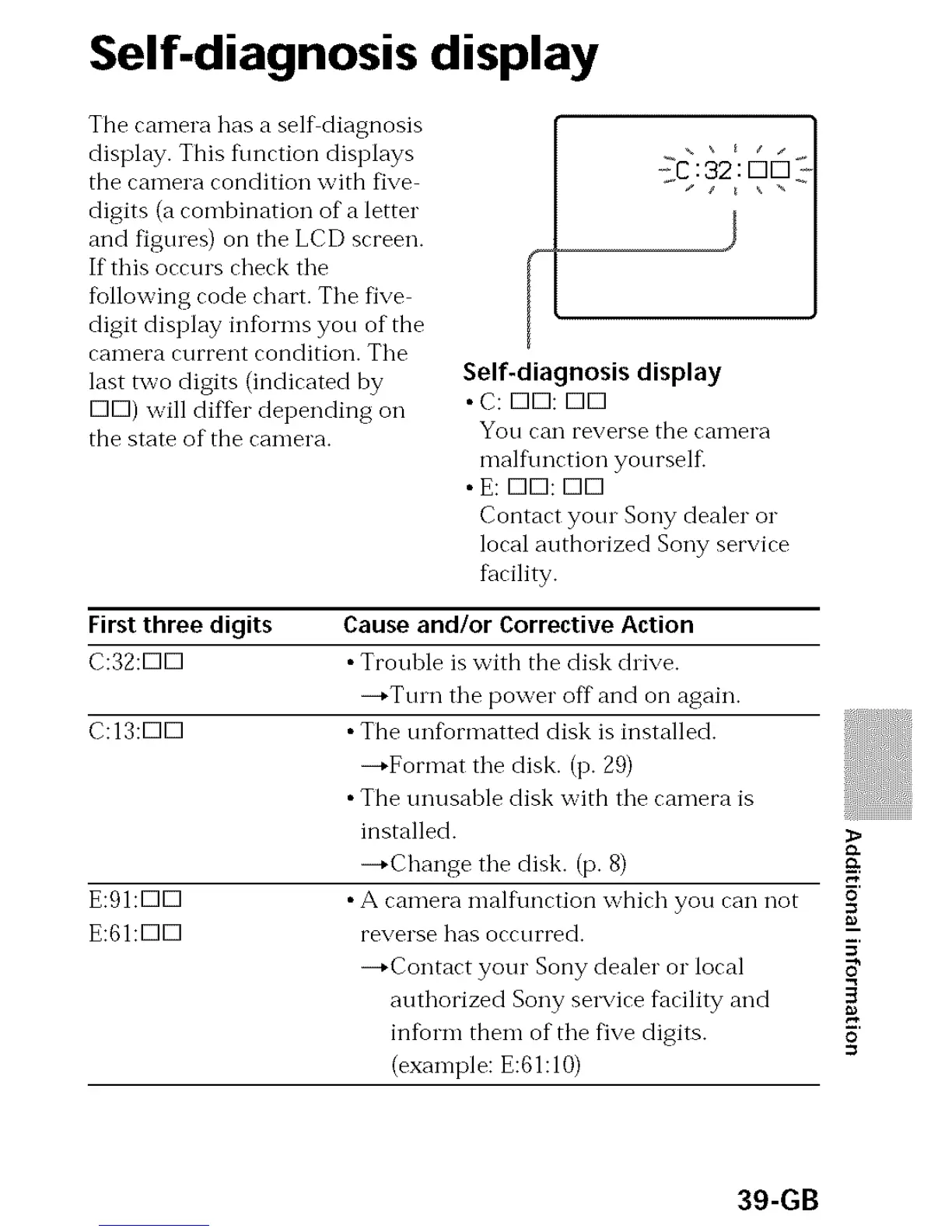
Self-diagnosis display
The camera has a selfdiagnosis
display. This timction displays
the camera condition with five
digits (a combination of a letter
and figures) on the LCD screen.
If this occurs check tile
%llowing code chart. Tile five
digit display informs you of the
camera current condition. Tile
last two digits (indicated by
K]K]) will differ depending oil
the state of the camera.
II J I
Self-diagnosis display
• C: K]K]: K]K]
You can reverse the canlel"a
mall\ruction yourself_
• E: K]K]: K]K]
Contact yore Sony dealer o1"
local authorized Sony service
facility.
First three digits
C:32:DD
C:13:DD
E:91:DD
E:61:DD
Cause and/or Corrective Action
• Trouhle is with the disk drive.
--+Turn the power off and on again.
• The mffkormatted disk is installed.
--*Format the disk. (p. 29)
• The unusable disk with the camera is
installed.
--*Change the disk. (p. 8)
• A camera mall\ruction which you can not
reverse has occurred.
--*Contact your Sony dealer o1" local
authorized Sony service facility and
infbrm them of the five digits.
(example: E:61:10)
5'
O
39-GB



 To Next Page
 Loading...








