6
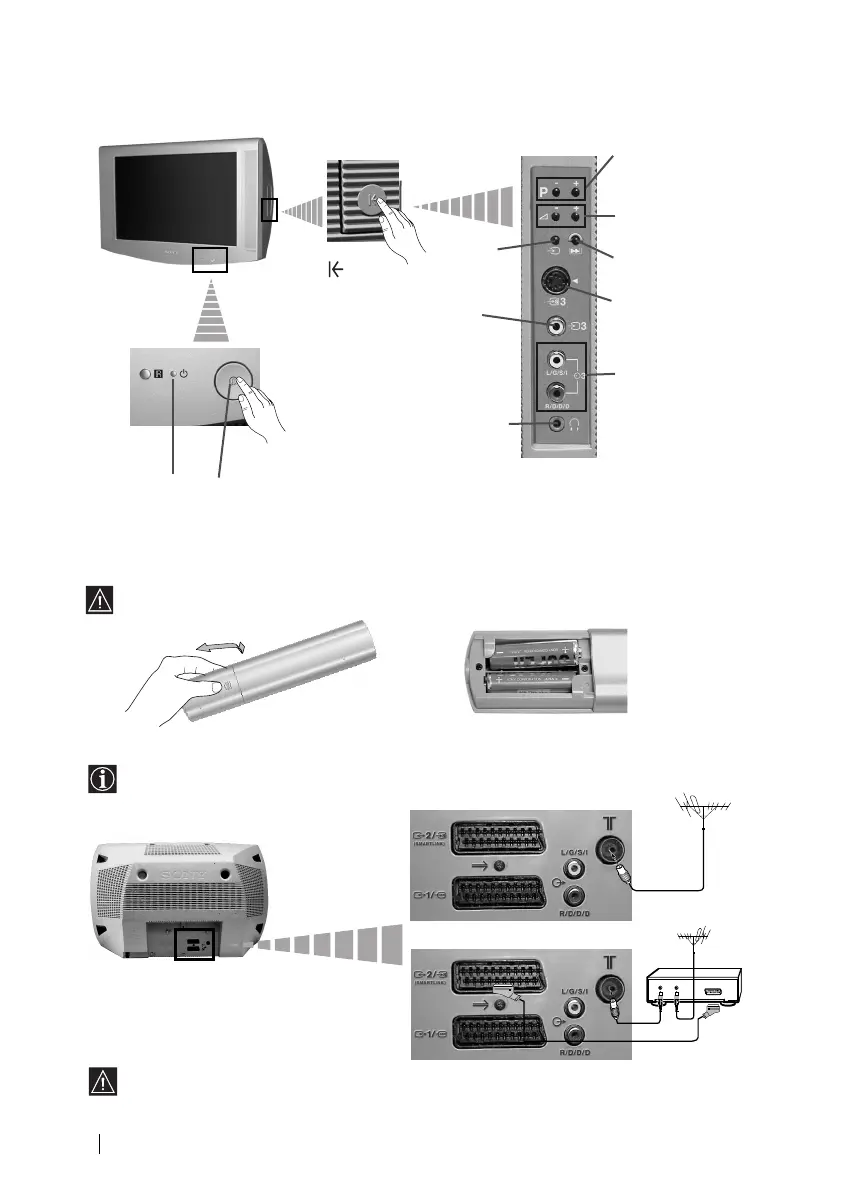
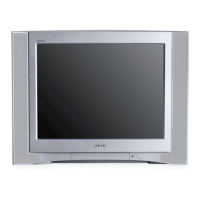
Overview of TV Buttons
Inserting Batteries into the Remote Control
Make sure you insert the supplied batteries using the correct polarities.
Always remember to dispose of used batteries in an environmental friendly way.
Connecting the Aerial and VCR
Overview-Installation
Connecting cables are not supplied.
On/Off switch
Standby
indicator
Press on the
mark on the
door flap to
reveal the
control panel.
Programme Up or
Down Buttons (Selects
TV channels)
Selecting
Input
source
Audio
Input jacks
Volume control
buttons
Headphones
jack
Video
Input jack
or
VCR
Scart lead is optional.
For more details of VCR connection, please
refer to the section “Connecting Optional
Equipment” of this instruction manual.
OUT IN
03GB28/32LS35B.auto.fm Page 6 Thursday, April 5, 2001 10:52 AM



 To Next Page