D:\WORK\GPS_CS1\2688548111_UGGB\01GB-GPSCS1\01GB04BAS.fm
master:Left
GPS-CS1
2-688-548-11(1)
GB
26
Step 5: Add pictures and apply position information to the
pictures
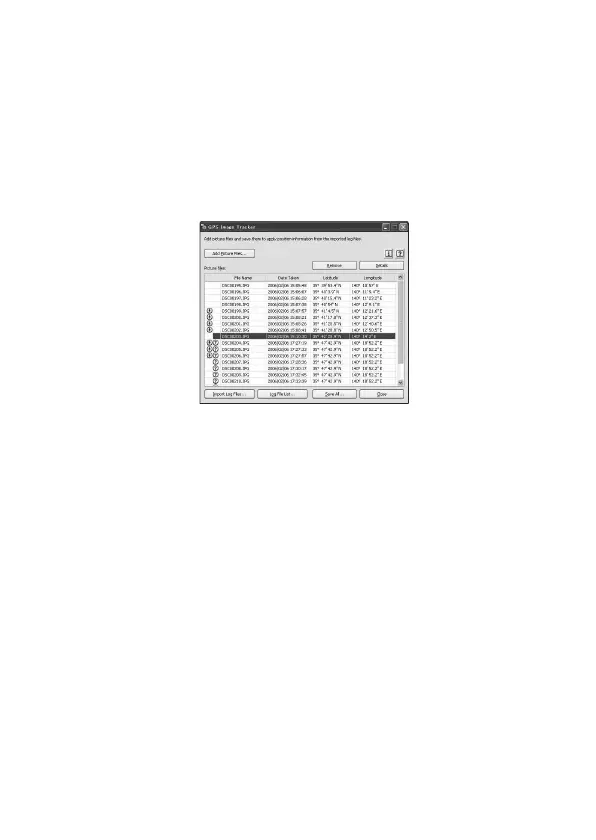
Click [Add Picture Files...] on the main window and specify the picture
files saved on the computer to import the files.
Click [Save All...] to save the still pictures with position information
added. If the pictures are saved properly, the pictures are deleted from the
list on the main window.
• Refer to the operating instructions supplied with your camera for details
on how to import picture files to your computer.
Technical support
Additional information on this product and answers to frequently asked
questions can be found at the Sony Customer Support Website.
http://www.sony.net/



 To Next Page