18
Step 3: Turning the power on, and setting the
date and time
Set the date and time when using your VCR
for the first time. If you do not set the date
and time, the [CLOCK SET] screen appears
every time you turn on your VCR.
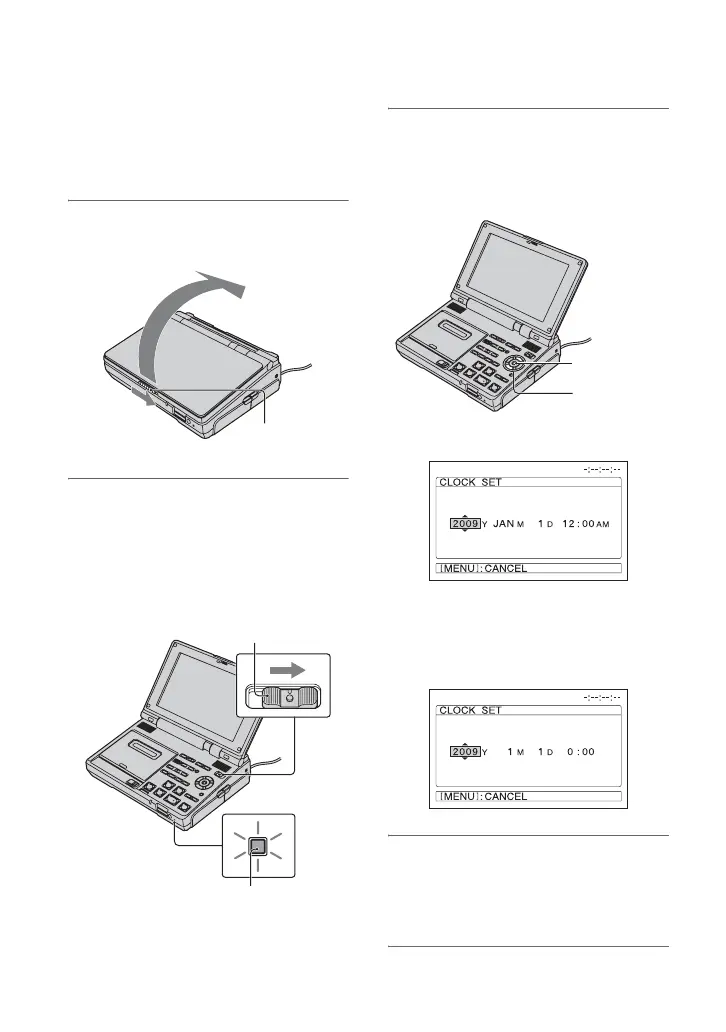
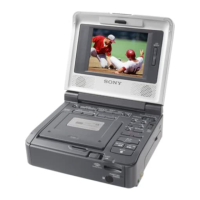
1 Slide the OPEN. lever and
open the LCD panel.
2 While pressing the green button,
set the POWER switch to ON.
The POWER/CHARGE lamp on the
front turns on green and the [CLOCK
SET] screen appears.
3 Set [Y] (year) using V/v, then
press EXEC.
You can set any year up to the year
2079.
GV-HD700/1:
12:00 AM stands for midnight.
12:00 PM stands for noon.
GV-HD700E/1:
4 Set [M] (month), [D] (day), the
hours and minutes in the same
way, then press EXEC.
The clock starts.
OPEN.
lever
POWER/
CHARGE lamp
POWER
switch
EXEC
V/v






 To Next Page