7
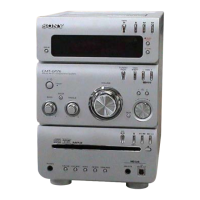
HCD-GPX9
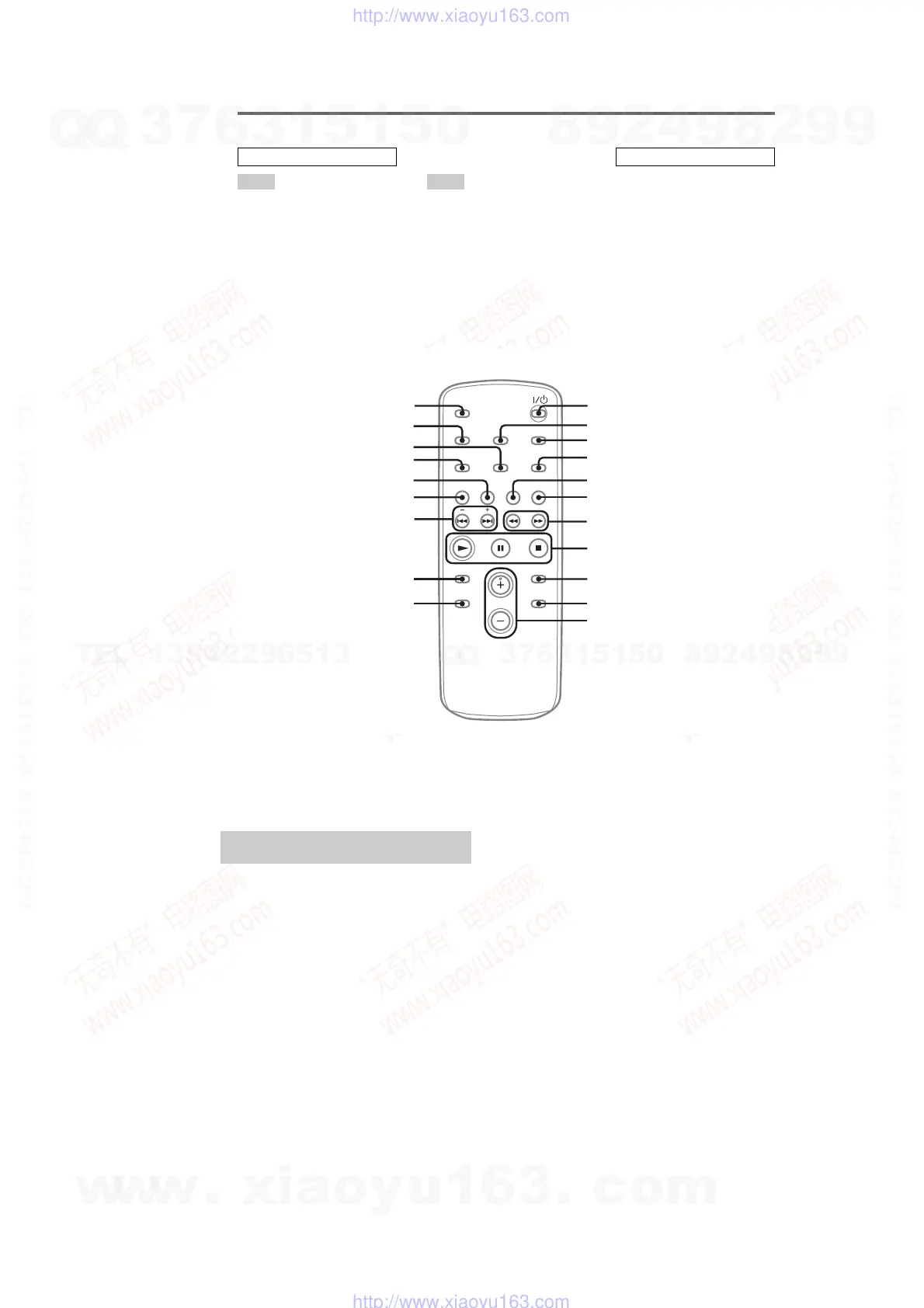
Remote control
CD qh
CLEAR qd
CLOCK/TIMER SELECT 2
PLAY MODE qk
REPEAT 4
SLEEP w;
TAPE qg
TUNER BAND 5
TUNER MEMORY qj
TUNING MODE qk
VOLUME +/– qa
?/1 (power) 1
m/M (rewind/fast forward)
7
./> (skip back/skip
forward) qf
x (stop) 8
X (pause) 8
N (play) 8
+/– (tuning) qf
ALPHABETICAL ORDER
A – O P – Z
BUTTON DESCRIPTIONS
4
5
6
7
8
9
w; 1
qd
qs
ql
qk
qj
qh
qg
qf
qa
0
3
2
CLOCK/TIMER SET 3
DAB 6
DISPLAY ql
ENTER 9
EQ qs
FM MODE 4
FUNCTION q;
Use buttons on the remote for the operation.
1 Press ?/1 to turn on the unit.
2 Press CLOCK/TIMER SET.
3 Press . or > repeatedly to set the
hour.
4 Press ENTER.
5 Press . or > repeatedly to set the
minute.
6 Press ENTER.
The clock starts working.
To adjust the clock
1
Press CLOCK/TIMER SET.
2
Press . or > repeatedly to select
“CLOCK SET”, then press ENTER.
3
Do the same procedures as step 3 to 6
above.
Note
The clock is not displayed in Power Saving Mode.
Setting the clock
w
w
w
.
x
i
a
o
y
u
1
6
3
.
c
o
m
Q
Q
3
7
6
3
1
5
1
5
0
9
9
2
8
9
4
2
9
8
T
E
L
1
3
9
4
2
2
9
6
5
1
3
9
9
2
8
9
4
2
9
8
0
5
1
5
1
3
6
7
3
Q
Q
TEL 13942296513 QQ 376315150 892498299
TEL 13942296513 QQ 376315150 892498299
http://www.xiaoyu163.com
http://www.xiaoyu163.com


 To Next Page