Chapter 4 Recording and Playback
Chapter 4 Recording and Playback 4-9
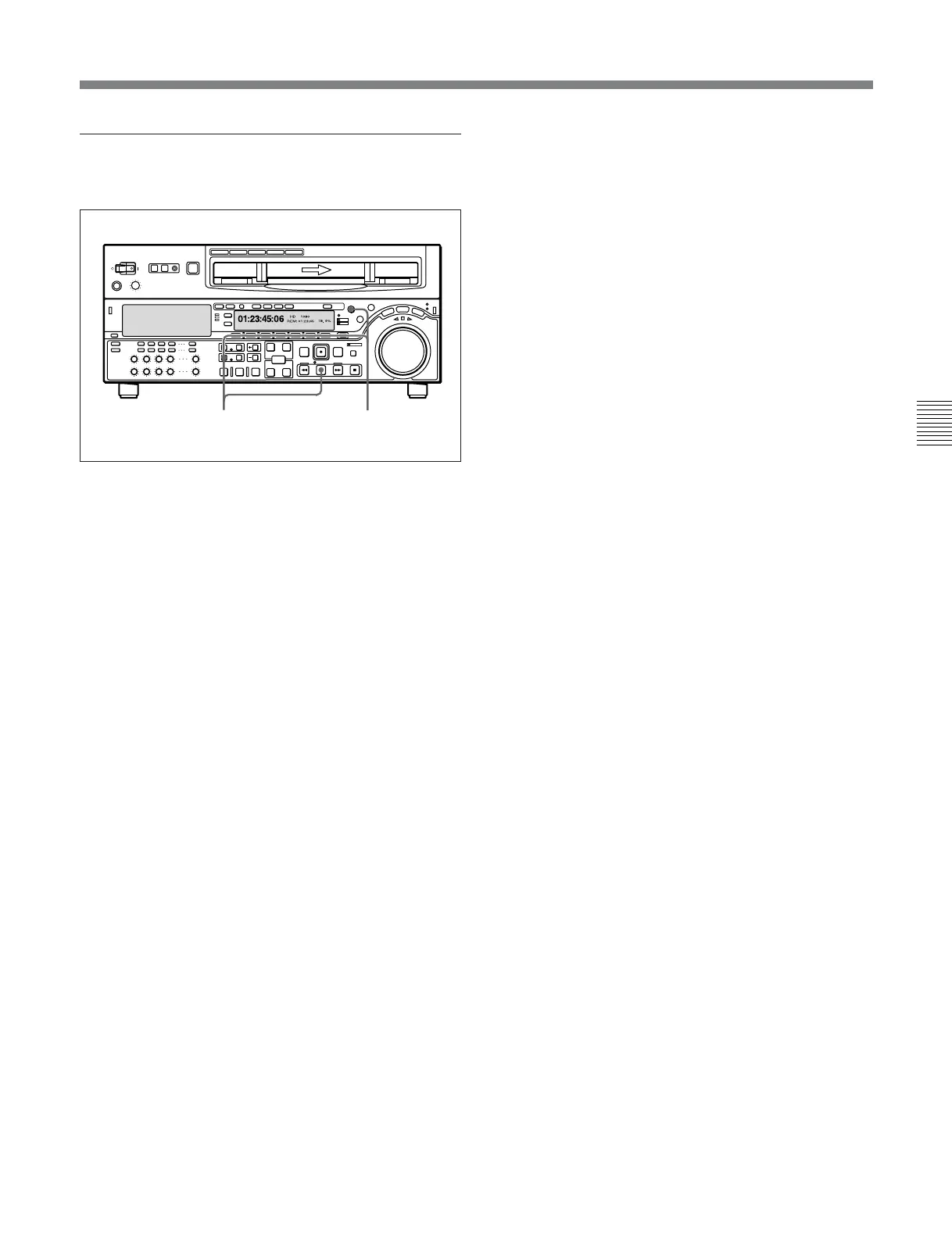
To perform continuous capstan override
playback
1 Set setup menu item 111 (TSO PLAY) to TSO.
2 Hold down the DMC EDIT button and turn the
MULTI CONTROL knob to select the playback
speed.
The selected playback speed is displayed in time
data display area 2 on the lower control
panel of this unit as well as in the character
information display on the monitor screen.
3 Press the PLAY button while holding down the
DMC EDIT button.
4 Press the PLAY button or perform any other
operation to exit the tape speed override mode.
See Section 10-2 “Setup Menu Operations” (page 10-2) for
details of setup menu operations.
For details of character information displayed on the video
monitor screen, see the descriptions of F4 (CHARA) in
function menu page 4 (page 9-7) and setup menu item 005
(page 10-7).
Z
32







 To Next Page