45
GB
Performing Advanced Settings
You can make various adjustments to items such as picture and sound on the
[Advanced Settings] menu.
1 Press HOME.
The home menu appears on the TV screen.
2 Select [Setup] - [Advanced Settings] on the home menu.
The [Advanced Settings] screen appears on the TV screen.
3 Select the setting item.
For details about the setting items, refer to Help Guide.
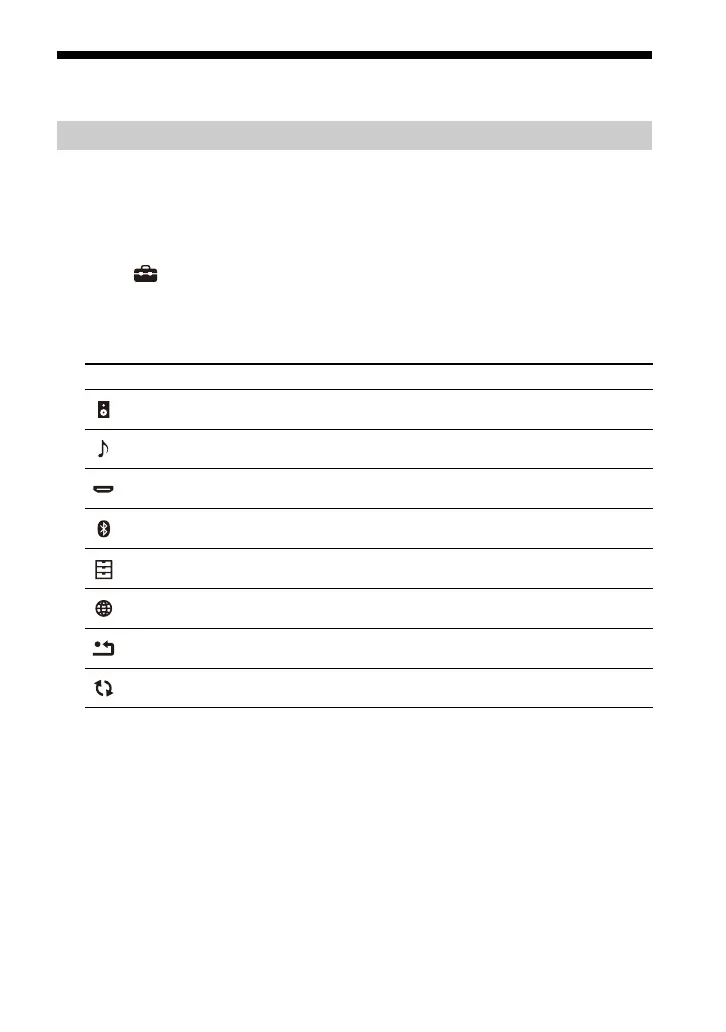
Using the [Advanced Settings] Menu
Setting item Explanation
[Speaker Settings]
Makes the speakers settings for installing and
connections.
[Audio Settings] Makes the audio output settings.
[HDMI Settings] Makes the HDMI settings.
[Bluetooth Settings]
Makes detailed settings for the BLUETOOTH
function.
[System Settings] Makes the speaker system-related settings.
[Network Settings] Makes detailed settings for the Internet.
[Resetting]
Resets the speaker system to the factory default
settings.
[Software Update]
Updates the software of the speaker system or
optional subwoofer/rear speakers.



 To Next Page